Keeping FF Amazon current matters because newer builds carry bug fixes, balance changes, and compatibility improvements for recent Android versions. An old build can refuse to connect, show repeated errors, or miss new content entirely. Updating is simple when you follow a calm order: prepare the phone, save what matters, install the new build, and then verify everything still works.
If this is your first time handling the app rather than an update, the notes on the FF Amazon APK download for Android page cover the basics first. For everyone else, this guide walks through the update process step by step, including the checks that prevent the most common problems, such as failed installs halfway through or settings that seem to disappear afterwards.
Prepare Before You Update
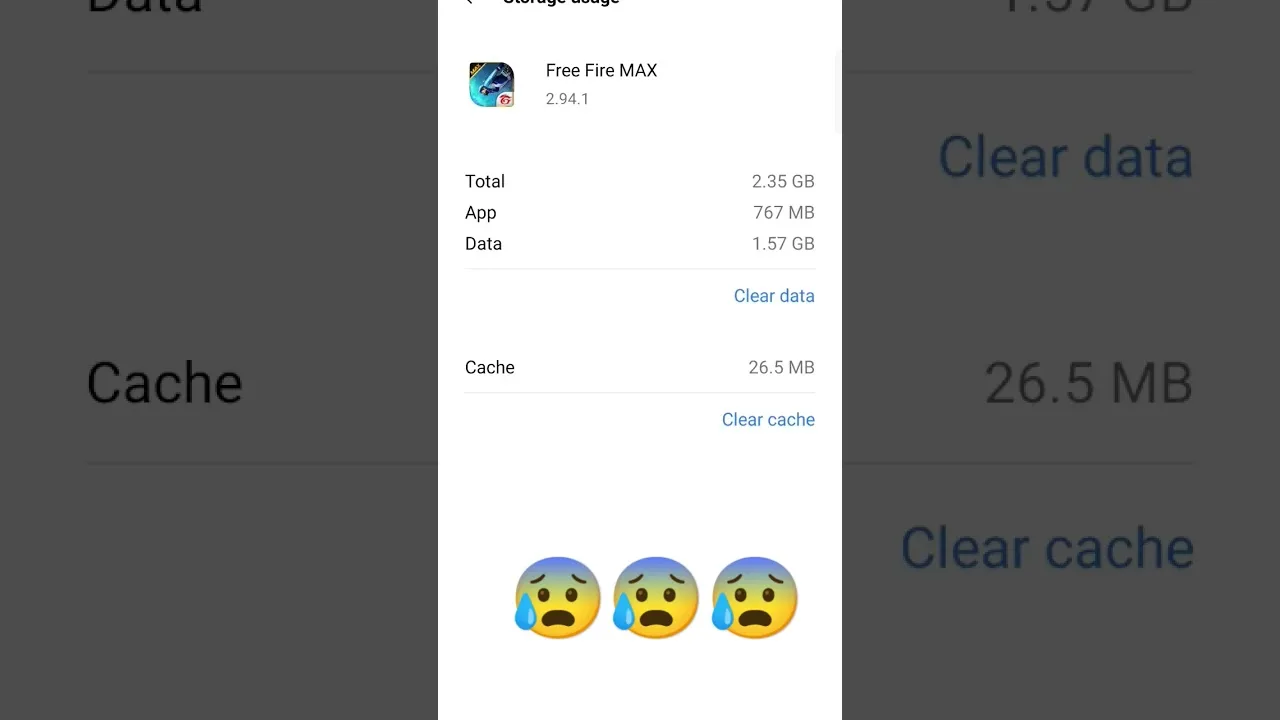
Start by checking free storage. Updates need working room beyond the size of the file itself, because the system unpacks data during installation. If the phone is nearly full, clear old downloads, unused apps, or cached media first. The FF Amazon storage and cache management guide explains how to free space sensibly without deleting things you actually need.
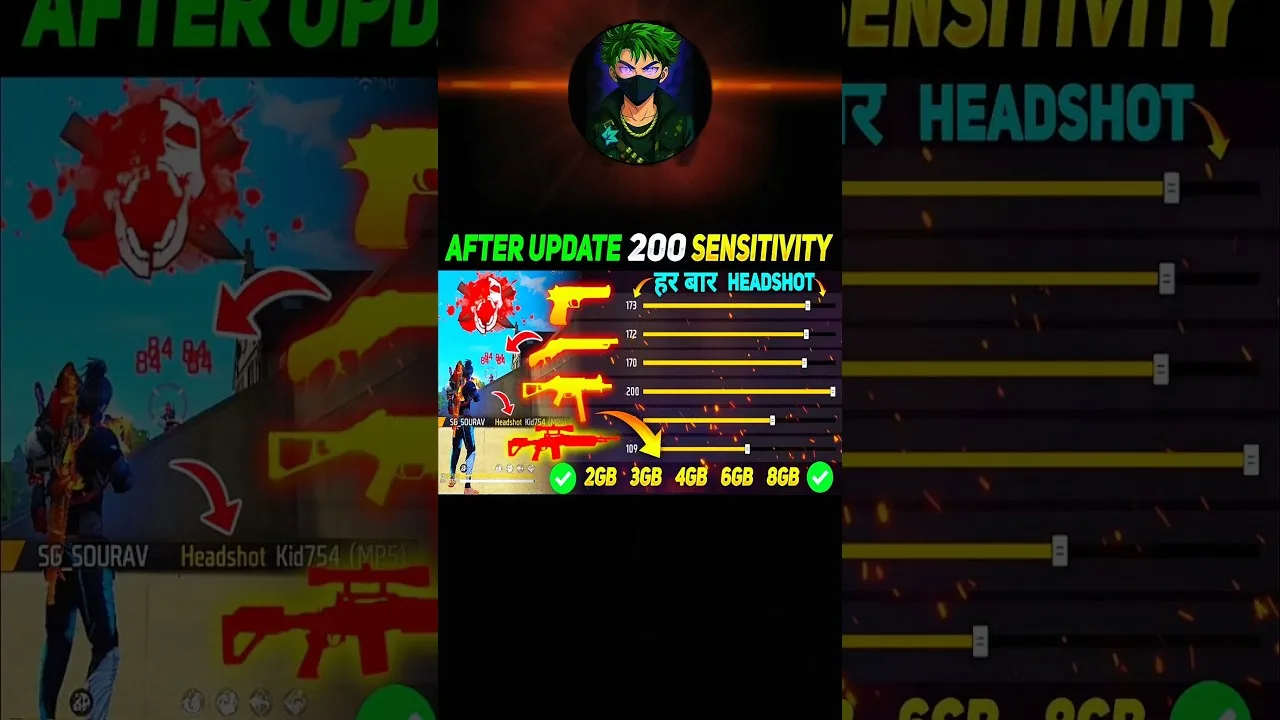
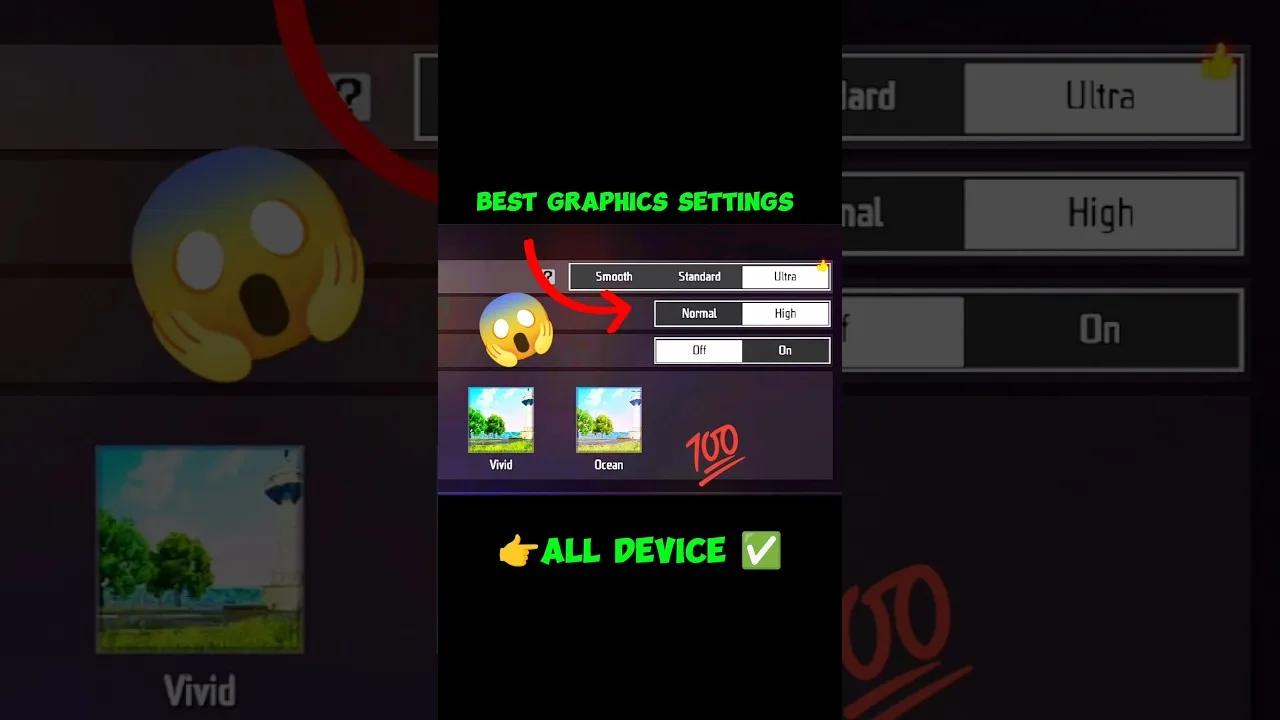
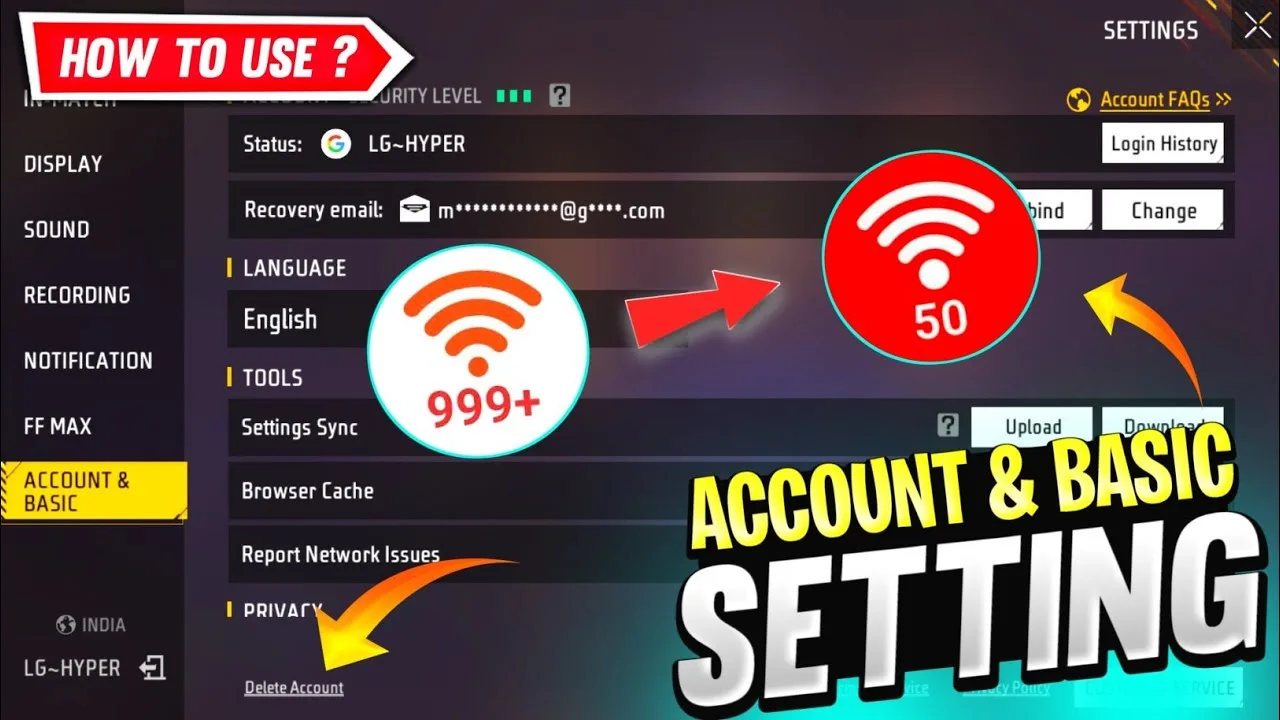
Next, note your current settings. Take screenshots of your sensitivity values, control layout, and graphics choices so you can restore them exactly if anything resets. Confirm you know how your account is signed in, and make sure you can receive any verification message your sign-in method might send during the first launch after updating.
Download and Install the New Build
Use a stable Wi-Fi connection for the download whenever possible. Large files pulled over an unstable mobile connection can arrive incomplete, and a damaged file is the most common reason an update refuses to install. Let the download finish fully, and avoid switching networks or force-closing apps while it completes.
Open the downloaded file and follow the install prompts, allowing the permission the system requests for installing from that source. The process behind an update is the same core flow described in how to install FF Amazon on Android, except the new build replaces the old one in place. Do not uninstall the previous version first unless a guide for your specific problem tells you to, since keeping the app in place preserves its data.
First Launch After Updating
Open the app and let the first launch finish without interruption. Updated builds often unpack extra data, rebuild caches, or download small additional resources, so the first start can take longer than usual. Interrupting this stage by closing the app or restarting the phone can leave files half-written and create problems that look like bugs.
Once the main screen appears, walk through a quick checklist. Confirm you are signed in to the correct account, open the settings pages and compare them with your screenshots, and check that your control layout looks unchanged. Then play one short, low-pressure match to confirm movement, sound, and aiming all behave normally before joining anything competitive.
If the Update Fails
When an install fails, read the message the system shows instead of retrying blindly. Not enough storage, a damaged download, and a blocked permission each produce different messages and different fixes. Free space and try again for storage errors, download the file again on stable Wi-Fi for corruption errors, and review the install permission for blocked installs.
If the app opens but behaves strangely after updating, restart the phone once before doing anything drastic. A restart clears temporary system states left over from the replacement process. Clearing the app cache from Android settings is the next gentle step; avoid clearing app data, because that removes local files and sign-in state and should be a last resort.
Build a Simple Update Habit
Updates go smoothly when they are routine rather than rare emergencies. Check for a newer build every few weeks, keep a small buffer of free storage permanently available, and keep your settings screenshots in a single album so they are easy to find. These tiny habits remove nearly all of the stress from update day.
It also helps to update at a calm moment, not minutes before you plan to play with friends. Give yourself fifteen spare minutes for the download, the first launch, and the checklist. If anything does go wrong, you have time to fix it instead of troubleshooting under pressure while a squad waits.
What Actually Changes in an Update
Players sometimes ask whether updating is worth the download at all. Beyond visible new content, builds routinely carry fixes for crashes on specific phone models, corrections for connection errors, balance adjustments, and compatibility work for newer Android releases. Skipping several updates in a row means living with bugs that were solved long ago, and it makes the eventual jump larger and rougher.
An update does not change your account, your items, or your earned progress, because those live with your sign-in rather than inside the installed files. What can change are local habits: a settings page may gain a new option, or a menu may move. A two-minute review of the settings screens after each update catches those changes before they surprise you mid-match.
Final Thoughts
Updating FF Amazon is mostly preparation: enough storage, a stable connection, screenshots of your settings, and patience during the first launch. Follow that order and most updates finish without a single problem. When something does fail, the error message plus a restart and a fresh download solve the large majority of cases.