Players comparing FF Amazon with the regular route usually want a practical answer: what feels different day to day, what stays the same, and which option suits their phone and habits. The honest answer is that the core game experience, matches, modes, weapons, and skills, is shared, while the differences live in installation, updating, storage behaviour, and how much control you have over the process.
This comparison keeps to those practical points. If you decide the Amazon route fits you, the installing FF Amazon on Android phones page is the natural starting point. Whichever route you choose, your account habits, settings knowledge, and practice transfer fully between them, so nothing you have learned goes to waste either way.
Installation and Updating
The regular route installs and updates through an app store, which handles downloads, compatibility checks, and new versions automatically. The FF Amazon route involves installing from a file you obtain yourself, which adds a few manual steps: enabling the install permission for that source, opening the file, and repeating a similar process when a new build appears.
Manual installation is not difficult, but it does reward care. You check storage before starting, keep the downloaded file until the install succeeds, and confirm the version you intended is the version that opens. Players who enjoy control over timing, updating when it suits them rather than when a store pushes it, often prefer this route.
Device and Storage Behaviour
Both routes run the same underlying game, so general hardware demands are similar, and the guidance in FF Amazon device compatibility guide applies to either. Where behaviour can differ is in local file handling: downloaded packages, cached resources, and leftover files from previous installs. A manual install makes you more aware of these files, which is an advantage if you manage them and a chore if you ignore them.
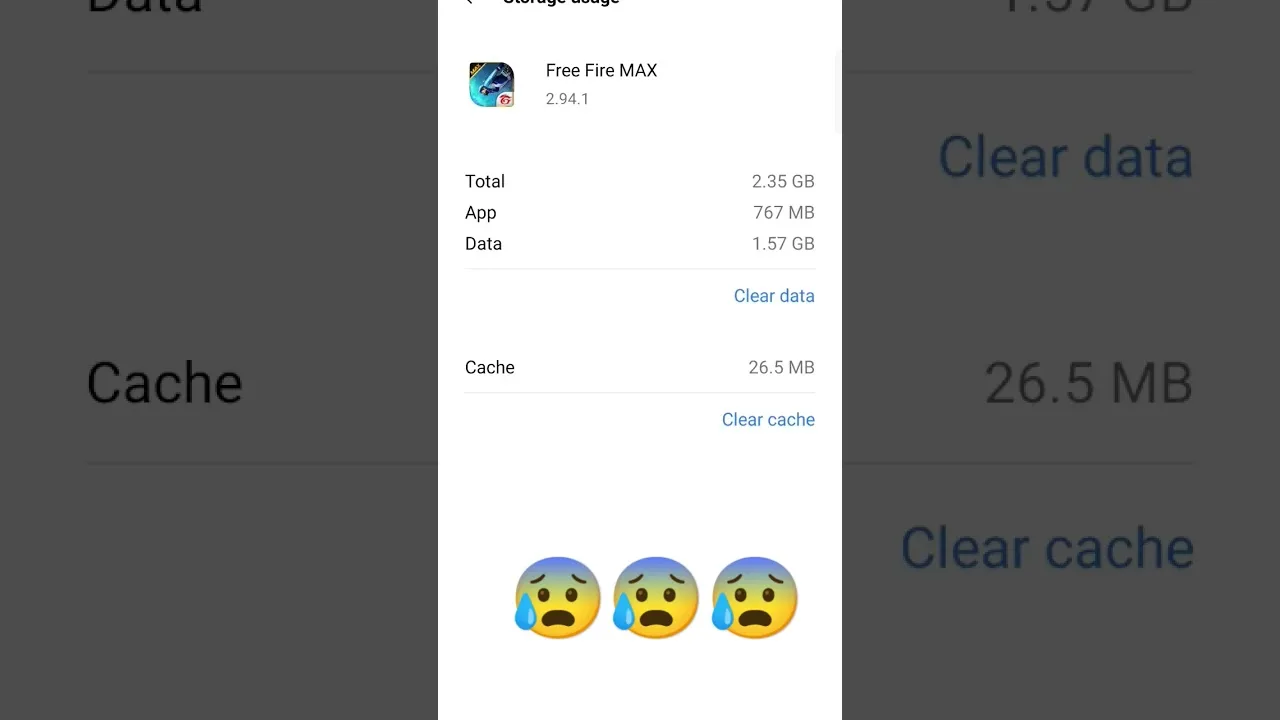
On phones with tight storage, that awareness matters. Knowing where the installer file sits, how large the installed data grows, and what can be cleared safely lets you keep the game healthy on small devices. Store-managed installs hide most of this, which is convenient until storage fills and nothing explains why.
Settings, Accounts, and Content
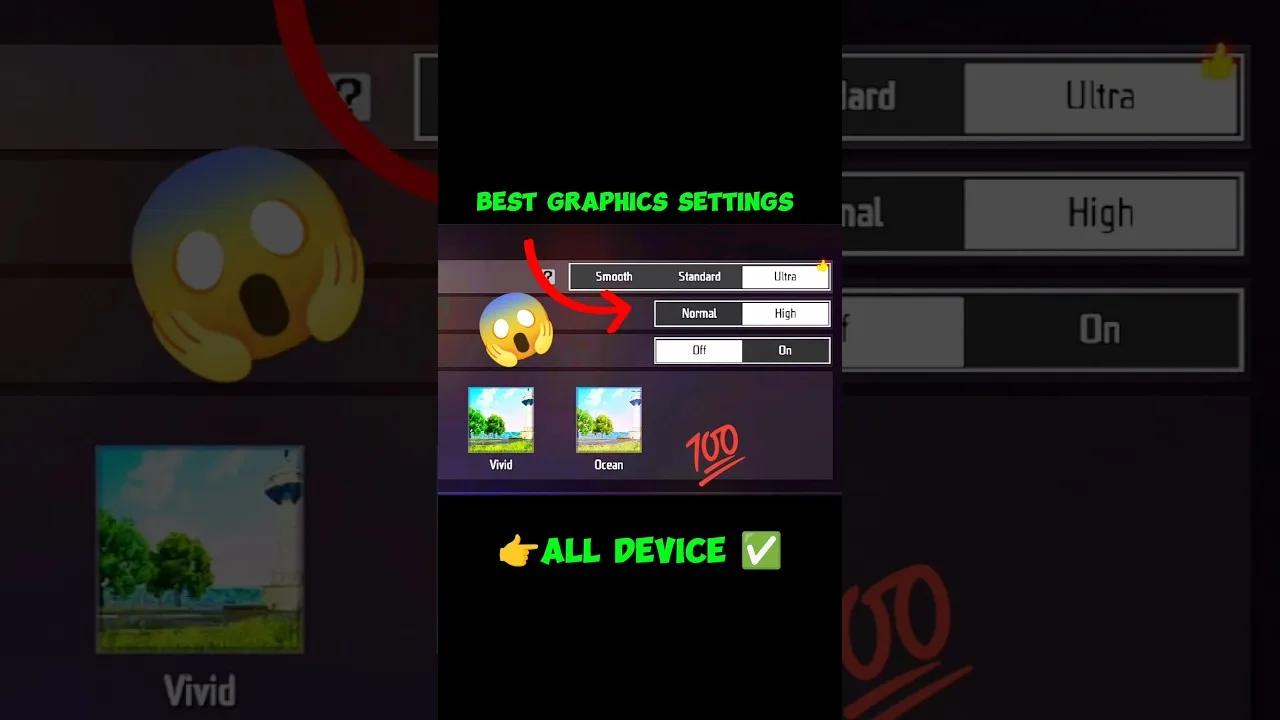
Inside the game, the two routes converge. Sensitivity, controls, graphics, and training all behave the same way, and the FF Amazon features guide walkthrough of what the app offers applies equally to both. Your sign-in method and progress handling work the same, provided you use the same account details on the same region.
Content timing can occasionally differ slightly between routes when a new build rolls out in stages, but this is a matter of days at most, not different content. Events, modes, and balance changes are properties of the game itself, not of the path you took to install it, so friends on different routes still play the same game together.
Which Route Suits Which Player
Choose the store route if you value zero-effort updates and never want to think about installer files. Choose the FF Amazon route if you prefer handling installation yourself, want the package ready to reinstall without a store visit, or have a specific reason the manual path works better on your device or network. Neither choice is a quality verdict on the player.
Some players also keep the installer file as a personal backup, which makes setting up a new phone faster and simpler. That small convenience is the most common reason satisfied users give for preferring the manual route, ahead of any in-game difference, because in-game there is barely any difference to find.
Switching Between Routes
Switching is straightforward as long as your account is properly linked. Sign in with the same method and region after installing through the other route, and your progress follows. What does not transfer automatically are local files: downloaded resources and cached data rebuild themselves, which can take time and storage on the first launch.
Before switching, screenshot your settings and confirm your sign-in works, then give the first session a stable connection. Players who prepare this way describe switching as a non-event. Players who skip preparation are the ones posting about lost progress that was never actually lost, only signed into the wrong profile.
Cost, Data, and Control Differences in Daily Life
In daily use, the routes also differ in data habits. A store-managed install updates through the store's own schedule and settings, which may include downloading on mobile data if you allowed that once and forgot. A manual install updates only when you choose to fetch the new package, which gives heavy-data users on limited plans complete control over when a large download happens.
Control is the recurring theme of every difference in this comparison. The store route trades control for convenience; the manual route trades convenience for control. Neither trade is wrong. Matching the route to your data plan, your storage habits, and your patience for small manual steps matters far more than any claim that one route is simply better than the other.
Final Thoughts
FF Amazon and the regular route deliver the same game; they differ in how installation, updating, and local files are handled. Pick the route that matches how you like to manage your phone, keep your account linked properly, and spend your energy where it counts: settings, practice, and the matches themselves.
If you remain undecided, try deciding by your weakest point instead. Players who always forget updates should lean toward convenience. Players who constantly fight a full storage bar or a tight data plan should lean toward control. The route that removes your personal friction is the right route, regardless of which one a friend prefers.