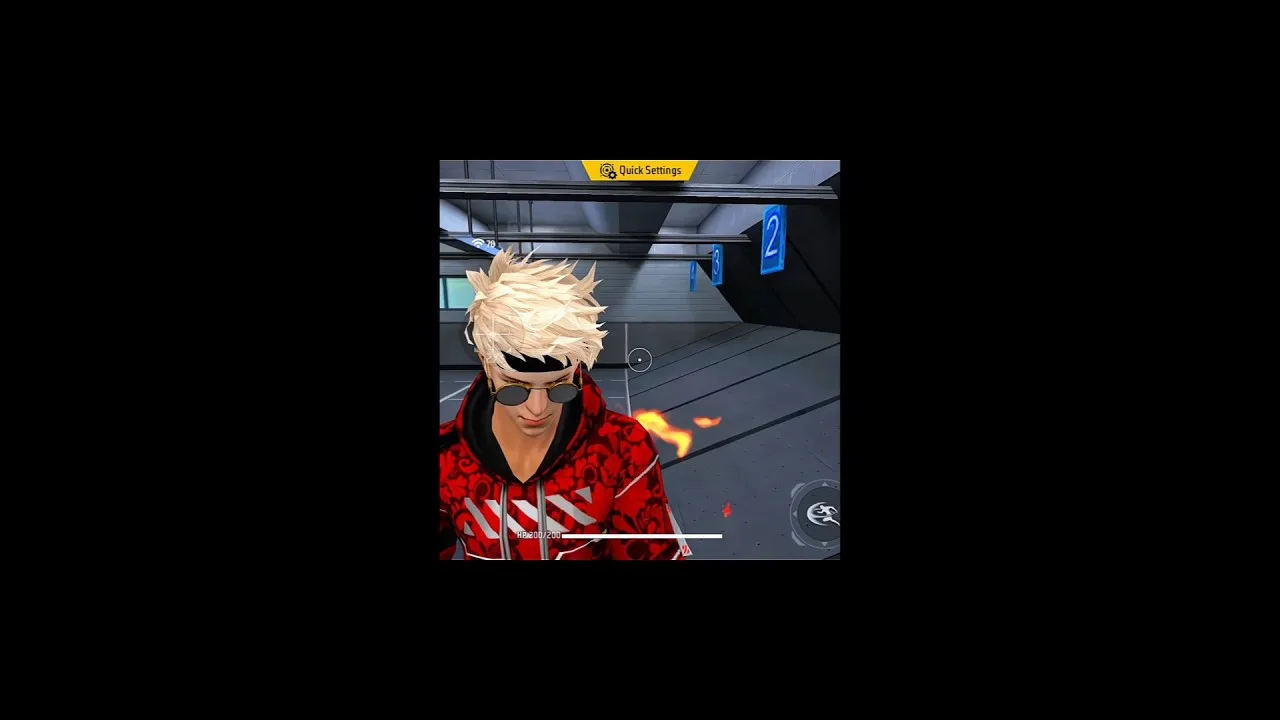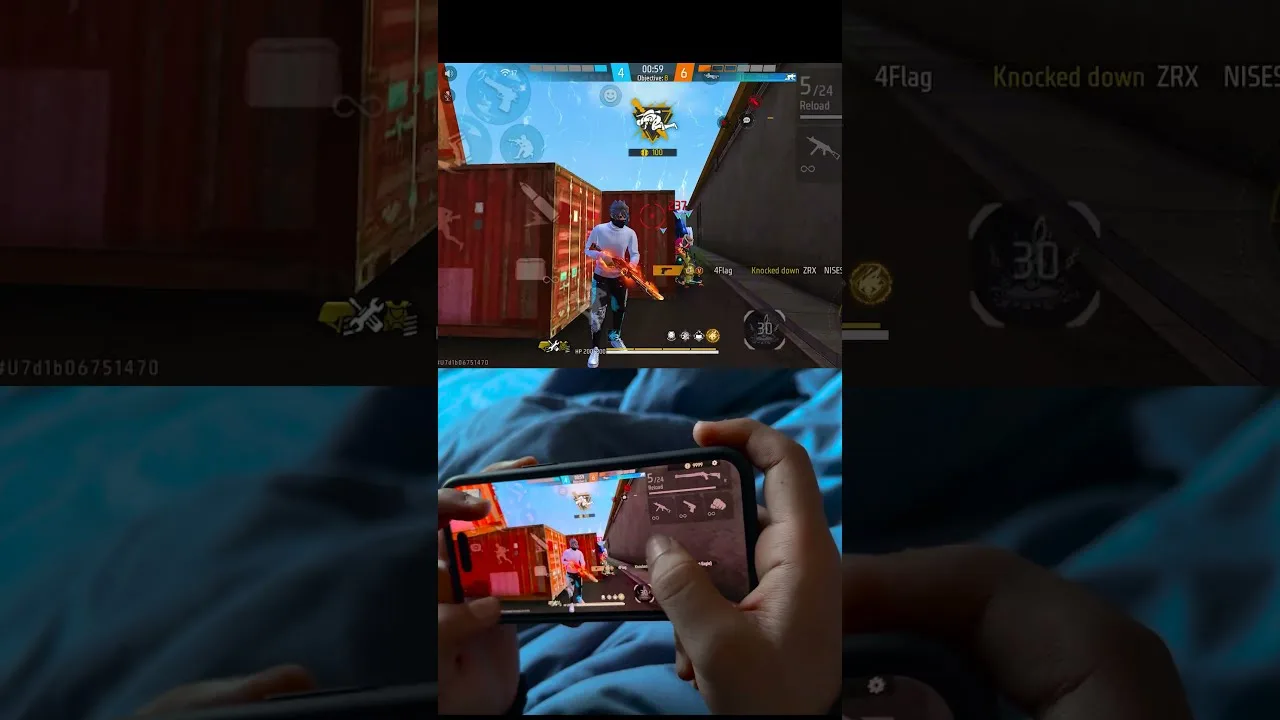
Your control layout decides how much of your attention goes to the buttons and how much stays on the fight. In FF Amazon, the default HUD works, but it is designed for an average hand on an average phone. Moving a few buttons, resizing the ones you press most, and clearing clutter from the centre of the screen can make movement, aiming, and firing feel far more natural.
New players should first skim the download FF Amazon for Android overview and the basics of play, then return here to shape the layout. Treat layout editing like sensitivity tuning: change a few things at a time, test in practice, and keep what survives real matches. The goal is a screen your fingers understand without your eyes needing to check.
Start With Button Size and Transparency
Enlarge the buttons you use constantly, especially fire, jump, crouch, and aim. Bigger targets are easier to hit without looking, and they forgive slightly sloppy thumb placement during fast fights. Buttons you rarely touch, such as rarely used emotes or extra actions, can shrink or fade so they stop competing for space and attention.
Transparency deserves care. Fading background buttons reduces visual clutter, but fading a button you need in emergencies invites missed presses at the worst moment. A good compromise keeps combat buttons mostly solid, support buttons semi-transparent, and purely occasional buttons light. After resizing, pair the new layout with the FF Amazon sensitivity settings guide so swipe distance and button reach work together.
Place Buttons Where Your Thumbs Rest
Hold the phone the way you naturally play and notice where your thumbs land without stretching. Your most frequent actions belong inside that comfortable zone. Anything that forces a stretch will be slow, and slow buttons get skipped in real fights even when they would have helped. Build the layout around your real grip, not around a screenshot of someone else's.
Keep the fire button clear of the screen edge if your case or grip causes accidental palm touches there, and leave a clean area for camera swipes. Many players crowd the right side with buttons and then wonder why their aim feels cramped. Swiping room is part of the layout too, and it deserves as much planning as any button.
Two Thumbs, Three Fingers, or Claw
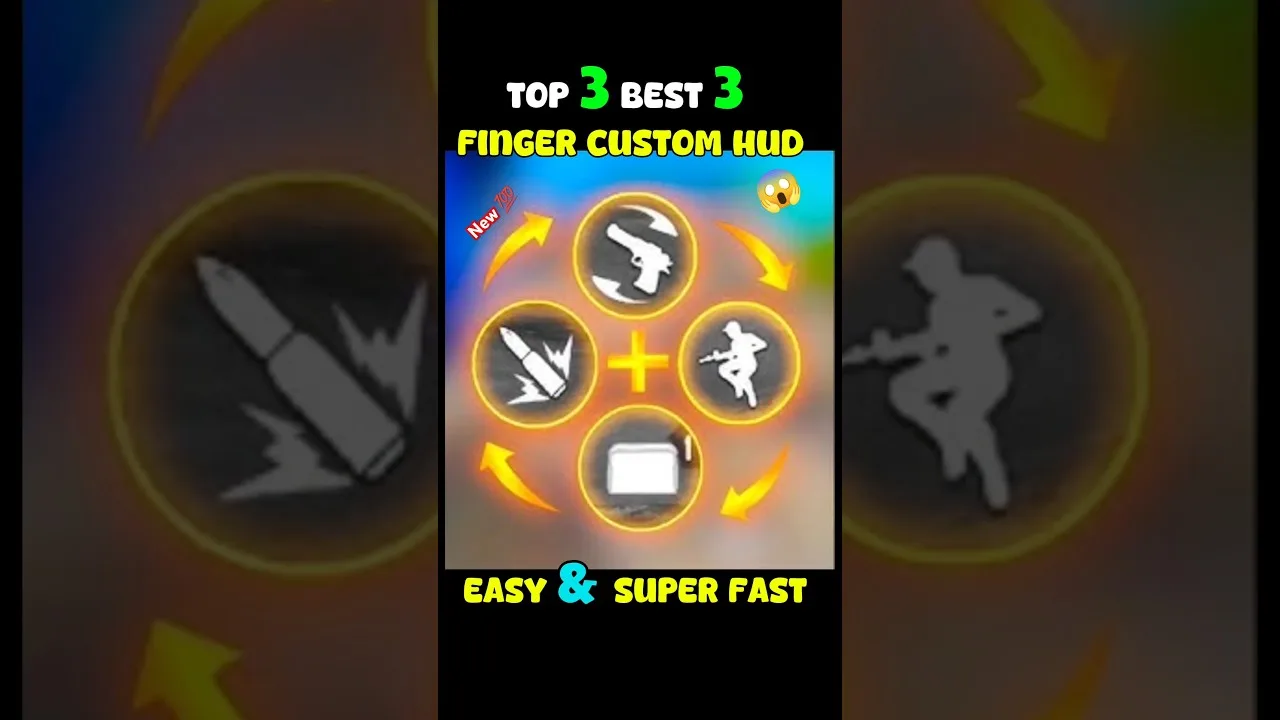
Most players start with two thumbs, which keeps everything simple and works well at casual level. Adding one finger, usually the left index finger for firing or aiming, frees the right thumb to control the camera more of the time. Full claw grips use more fingers still, allowing movement, camera, aim, and fire to happen almost independently.
Do not jump straight to the most complex grip. Each added finger needs practice, and a half-learned claw layout loses more fights than a comfortable two-thumb setup. Try one extra finger for a week of practice sessions. If it starts to feel natural, keep it; if your hand aches or your play gets worse, step back without regret.
Test Layouts Before Real Matches
A layout that looks perfect in the editor can fail the moment a real fight starts, so testing matters. The FF Amazon beginner guide to getting started path suggests starting gently, and layout testing belongs in that same low-pressure stage: run practice sessions, fight training targets, and practise jumping, crouching, and firing in combination rather than one button at a time.
Watch specifically for mis-taps. If you keep pressing the wrong neighbour button, separate the pair or enlarge the intended one. If a button feels far away during movement drills, move it closer to your resting thumb position. Fix one problem per test session so you can tell whether the change actually helped.
Keep the Screen Readable
A good HUD also protects your view. Keep the central area as empty as possible, since that is where targets appear, and push information displays toward the edges. Elements like the minimap should sit where a quick glance reaches them without covering the middle of a fight. When everything is visible at once, less of it is truly readable.
Revisit the layout whenever you change phones. A bigger or smaller screen shifts every resting position, and a layout tuned for one device rarely transfers perfectly. Ten minutes in the editor after a phone change saves weeks of small frustrations, and your saved screenshots of the old layout make a useful reference for rebuilding.
Save, Screenshot, and Version Your Layout
Treat your layout like something worth backing up, because it is. Once a layout survives a full week of real matches, screenshot it from the editor and store the image with your other settings backups. If the layout system offers slots or saved presets, keep your proven layout in one slot and experiment only in another, so a failed experiment never costs you your working setup.
When you experiment, change the layout in versions: move one button, test for two sessions, then decide. Players who redesign the whole screen in one sitting cannot tell which move helped, and they usually abandon good ideas mixed in with bad ones. Versioned, patient changes turn layout editing from a recurring frustration into a one-time project with occasional small maintenance.
Final Thoughts
Strong controls are personal: right-sized buttons, honest placement around your real grip, and enough clear space to aim. Build slowly, test in practice, and resist copying layouts that were designed for different hands and different phones. Within a week or two of small adjustments, the buttons fade from your attention and the game itself gets it back.