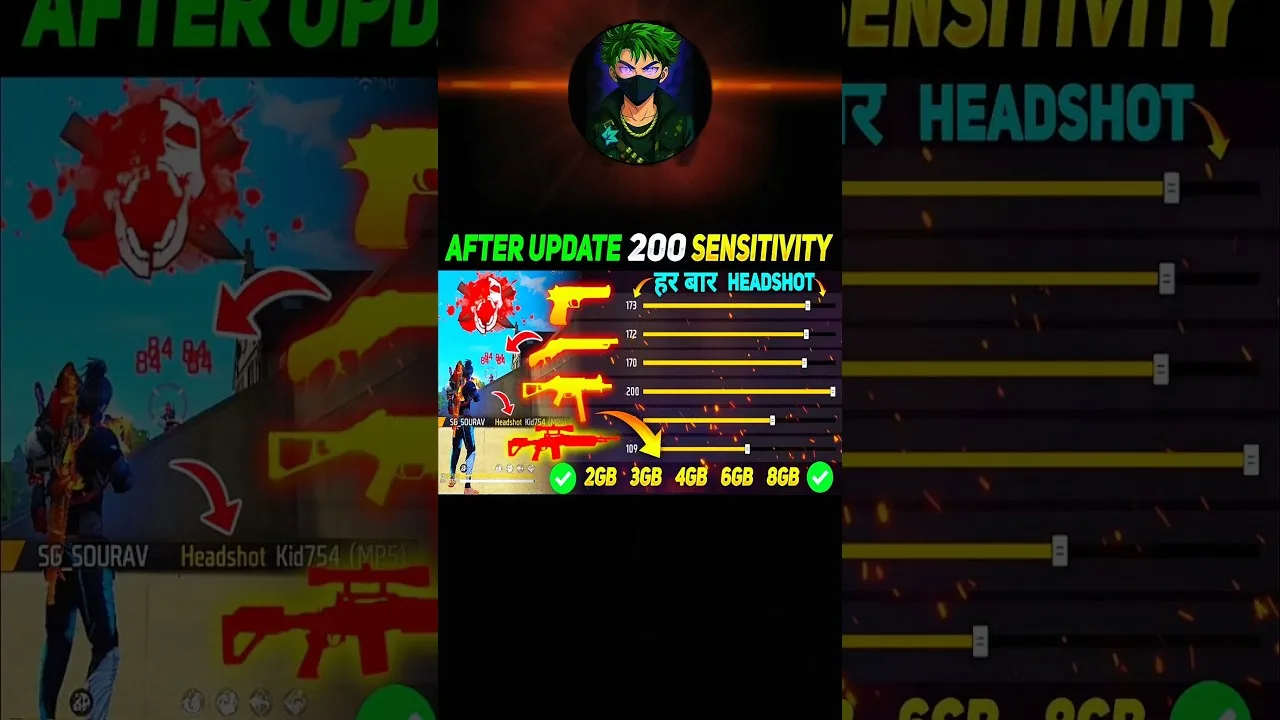
Sensitivity decides how fast your view turns, how steady your aim feels, and how much finger movement a full swipe needs. In FF Amazon, the default values are only a starting point, because every phone has a different screen size, touch response, and refresh behaviour. Two players using identical numbers can still feel completely different control, which is why copying a famous player's settings rarely works as well as tuning your own.
Start from the overview on the FF Amazon Android download guide page if the app is not installed yet, then work through this guide with your phone in hand. Change one group of values at a time, test each change properly, and write down what you adjusted. That simple habit turns random guessing into a short, repeatable process that ends with settings that genuinely fit your hands, your device, and your play style.
Understand the Main Sensitivity Groups
The general sensitivity value affects everyday camera movement: turning around, scanning a building, and checking corners while you move. Higher values make the view spin faster with less finger travel, which helps close-range fights, while lower values feel calmer and easier to control at distance. Most players settle somewhere in the middle and then fine tune from there.
Scope sensitivities control what happens once you aim down sights. Red dot, 2x, 4x, and longer-range options each deserve separate attention because magnification changes how large a swipe feels. A value that feels perfect with no scope can feel wild through a 4x sight. Adjust each scope group on its own instead of assuming one number should rule them all.
Build Your Settings Step by Step
Begin in a quiet practice session rather than a live match. Set the general value first and practise simple turns: face a wall, swipe to turn 180 degrees, and check whether you land short, overshoot, or stop close to the target. Repeat the test several times, moving the value in small steps until your turns land consistently near where you intended.
Move to scope values next. Aim at fixed targets at different distances and track them while strafing slowly. If the crosshair keeps slipping past the target, lower the value slightly. If you cannot keep up with a moving target even with a full swipe, raise it a little. Small steps of three to five points keep the process measurable instead of chaotic.
Match Settings to Your Device
Large screens usually need slightly lower values because a swipe covers more physical distance, while small screens often feel better a touch higher. High refresh-rate displays can also make the same numbers feel faster, since the view updates more smoothly under your finger. Treat advice written for another phone as a rough range, never as a final answer.
If your phone offers touch response or pointer speed options in its own system settings, leave those alone while you tune the game. Changing both layers at once makes it impossible to know which change helped. For layout ideas that pair well with new sensitivity values, see the FF Amazon controls and HUD layout tips next, since button placement and swipe space affect each other directly.
Test Changes the Right Way
Testing is where most players rush. A setting can feel strange for the first few minutes simply because your fingers are used to the old one, so give every change at least one full practice session before judging it. The FF Amazon training mode practice guide shows a structured way to run these tests with targets, movement drills, and short bursts of play.
Keep a short note on your phone for each test: the values used, what felt better, and what felt worse. After two or three sessions a pattern appears, and you can lock in the values that scored best across all tests instead of chasing whichever setting felt good in a single lucky match.
Common Sensitivity Mistakes
The biggest mistake is copying settings from a much stronger player and expecting instant results. Their numbers suit their device, grip, and years of muscle memory, not yours. Another common error is raising every value to the maximum in the hope of faster reactions; very high sensitivity usually costs more accuracy than it gains, especially through scopes.
Frequent full resets are just as harmful. If you change everything after every bad match, your hands never build stable habits. Limit yourself to one small adjustment per session, and only when the same problem has appeared in several matches in a row. Consistency is what turns settings into skill.
A Simple Seven-Day Tuning Plan
Spread the work across a week instead of forcing it into one evening. On day one, set the general value and run only turning tests. On day two, tune the red dot and close-range scopes. Give day three to longer scopes, day four to a full practice session using everything together, and use the remaining days for real matches with no changes at all, just honest notes about what still feels wrong.
By the end of the week you will know exactly which values survived contact with real opponents and which only looked good against stationary targets. Make one final small adjustment if a single problem kept appearing, then freeze the page for at least two weeks. Settings improve players only when players stop changing them long enough for muscle memory to form around them.
Final Thoughts
Good sensitivity settings feel almost invisible: you turn where you mean to turn, your scope settles where you point it, and your fingers stop fighting the screen. Reach that point with small steps, honest testing, and notes you can trust. Once the values feel stable for a week, stop tuning and let practice do the rest.