Your account is where your progress, items, and settings live, so the ten minutes spent setting it up properly protect everything you earn afterwards. FF Amazon offers sign-in choices that differ in convenience and safety, and picking the right one early is much easier than migrating later. This guide explains the options, the recovery details that matter, and the habits that keep access painless.
Install the app first if you have not already; the FF Amazon Android app download page points to the starting overview. Right after installation, resist the urge to jump straight into a match. Open the account screens, choose a sign-in method deliberately, and confirm you can get back in if the phone is lost, replaced, or reset.
Choose a Sign-In Method
Guest play is the fastest way in, but it is also the most fragile. Guest progress is tied to the device, and clearing app data, reinstalling, or changing phones can strand everything. Guest mode suits a quick first look at the game, nothing more. Anyone planning to play beyond a day or two should link a real sign-in method immediately.
Linked sign-in options store your identity away from the device, so a new phone simply means signing in again. Use an account you control fully and can access on other devices, and make sure its own password and recovery options are current. If you are still at the installation stage, how to install FF Amazon on Android walks through the steps that lead to this screen.
Complete Your Profile Sensibly
After signing in, set a display name you are happy to keep, since renaming may be limited or cost in-game items. Pick something readable that friends can recognise and type easily when searching for you. Choose your region carefully if the game asks, because region can affect matchmaking pools, store content, and whether you can play with specific friends.
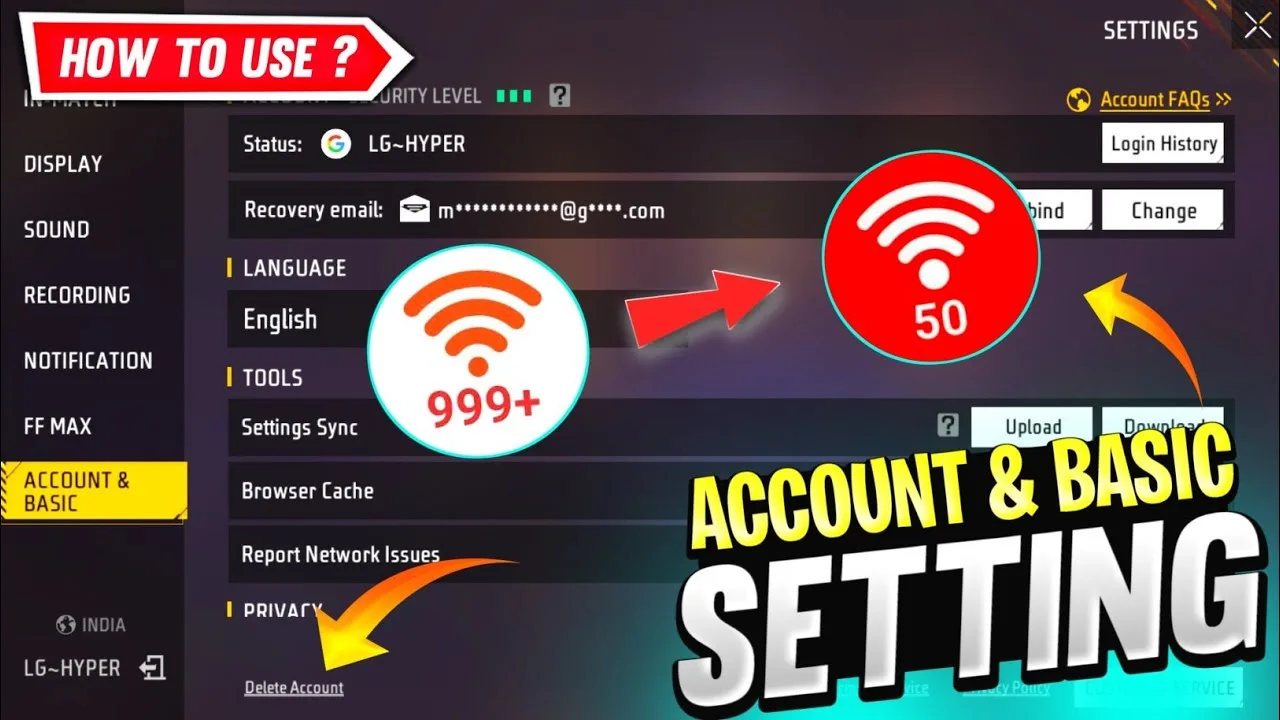
Add a profile picture and basic details only if you enjoy doing so; none of it affects performance. What does matter is reviewing the account page once fully: confirm the linked method shows as connected, note the account identifier the game displays, and store that detail somewhere safe outside the phone.
Recovery Details Save Accounts
Most lost accounts are lost because recovery details were never checked. Confirm the email or phone number attached to your sign-in method is one you still use, and test that you can receive messages there. If a sign-in method offers additional recovery codes or a security checkup, complete it now while everything works, not during a crisis.
Keep your sign-in credentials in your password manager rather than in notes or screenshots scattered across the phone. Never share your password or one-time codes with anyone offering items, help, or account services; genuine support channels do not ask for them. Treat codes sent to you as keys to your house, because that is exactly what they are.
Signing In on a New Device
Moving phones is routine once the account is properly linked. Install the app on the new device, choose the same sign-in method, and your progress, items, and friends should appear after the first sync. Give that sync a stable connection and a few minutes before worrying; large accounts can take a moment to populate fully.
If progress appears missing, do not create a new account in a panic and do not clear anything. Check that you selected the identical sign-in method and the same region as before, since choosing a different method creates a separate empty profile that looks like a loss. Signing out and back in with the correct method resolves most of these scares.
Everyday Login Habits
Sign-in problems often come from small habits: using multiple methods interchangeably, letting other people play signed in as you, or ignoring update prompts for months. Pick one primary method and stick to it. After major updates, open the account page once to confirm everything still shows as linked and healthy.
New players who finish account setup should continue with FF Amazon beginner guide to getting started, which covers what to do in the first sessions. Players returning after a long break should check for updates first, then sign in and review settings, because both the game and their phone may have changed since the last visit.
Protect the Account From Everyday Risks
Most account losses are not dramatic thefts; they are ordinary accidents. A phone is sold without signing out, a sibling clears app data, a player forgets which sign-in method they used, or an old email address quietly stops working. Every one of those is prevented by the same small routine: one linked method, current recovery details, and a note of the method stored outside the game.
Once a season, open the account page and simply look at it. Confirm the linked method, confirm the region, and confirm you can still receive messages on the recovery address. The check takes less than a minute, and it converts the most common account emergencies into non-events. Accounts rarely vanish suddenly; they drift into danger slowly, and a seasonal glance catches the drift.
Final Thoughts
A linked sign-in, checked recovery details, and one consistent login method will carry your account safely across updates and new phones. Set it up once, write down the essentials, and then forget about it and play. The best account system is the one you never have to think about again.