Most FF Amazon problems that feel like bad luck are actually setup mistakes made in the first ten minutes and paid for weeks later. A skipped backup, a copied settings page, a phone with no free space: each one is small, understandable, and completely avoidable once you know it exists. This guide collects the ones that cause the most trouble so you can skip them entirely.
Whether you are setting up today or auditing an old setup, compare your phone against each item. The FF Amazon download for Android devices overview covers the clean starting path, and how to install FF Amazon on Android gives the careful installation sequence that several of these mistakes interrupt. Fixing a setup mistake is always cheaper than troubleshooting its symptoms for a month.
Playing as a Guest for Too Long
Guest play feels convenient on day one and costly on day thirty, when the phone is reset, replaced, or cleared and everything earned vanishes with the local data. Linking a sign-in method takes minutes and only needs doing once. Any player who has passed their third session should treat linking as overdue homework, not an optional extra.
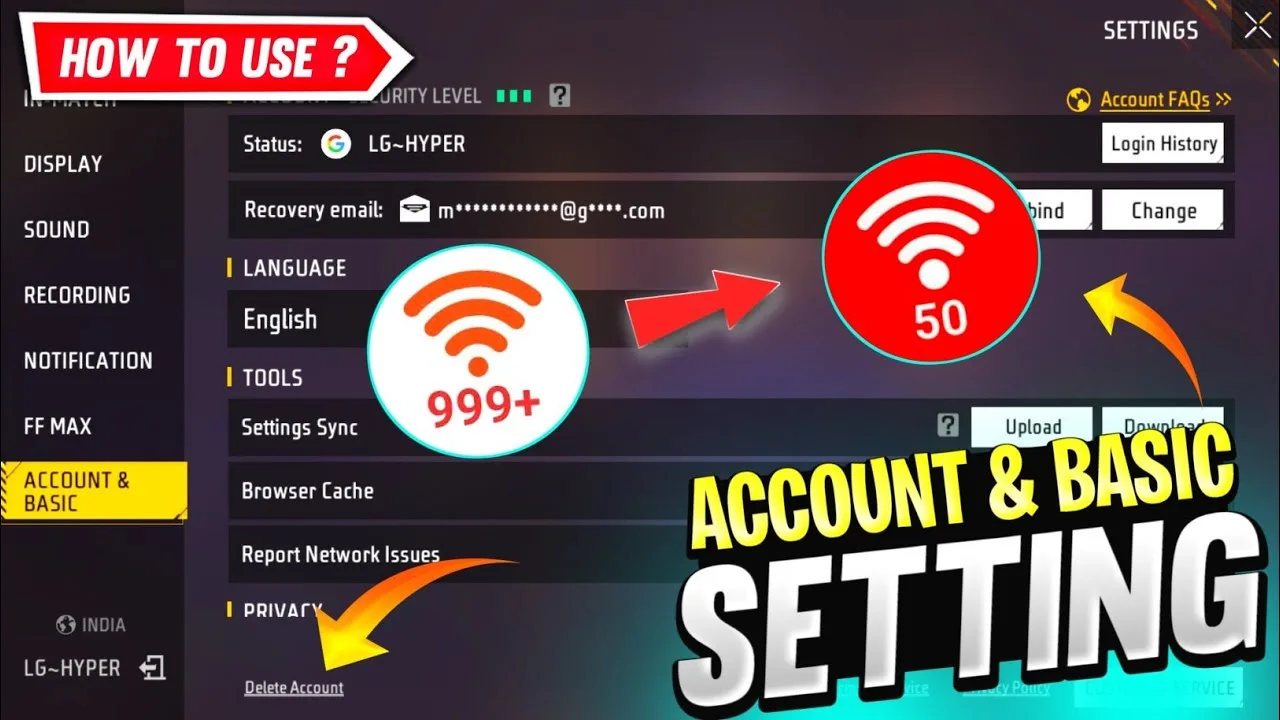
The related mistake is linking carelessly: using an account you barely control, forgetting which method you chose, or never checking that recovery details work. Write down which sign-in method you used and store the detail in your password manager. Future you, holding a new phone, will be extremely grateful for that one line.
Copying Someone Else's Settings
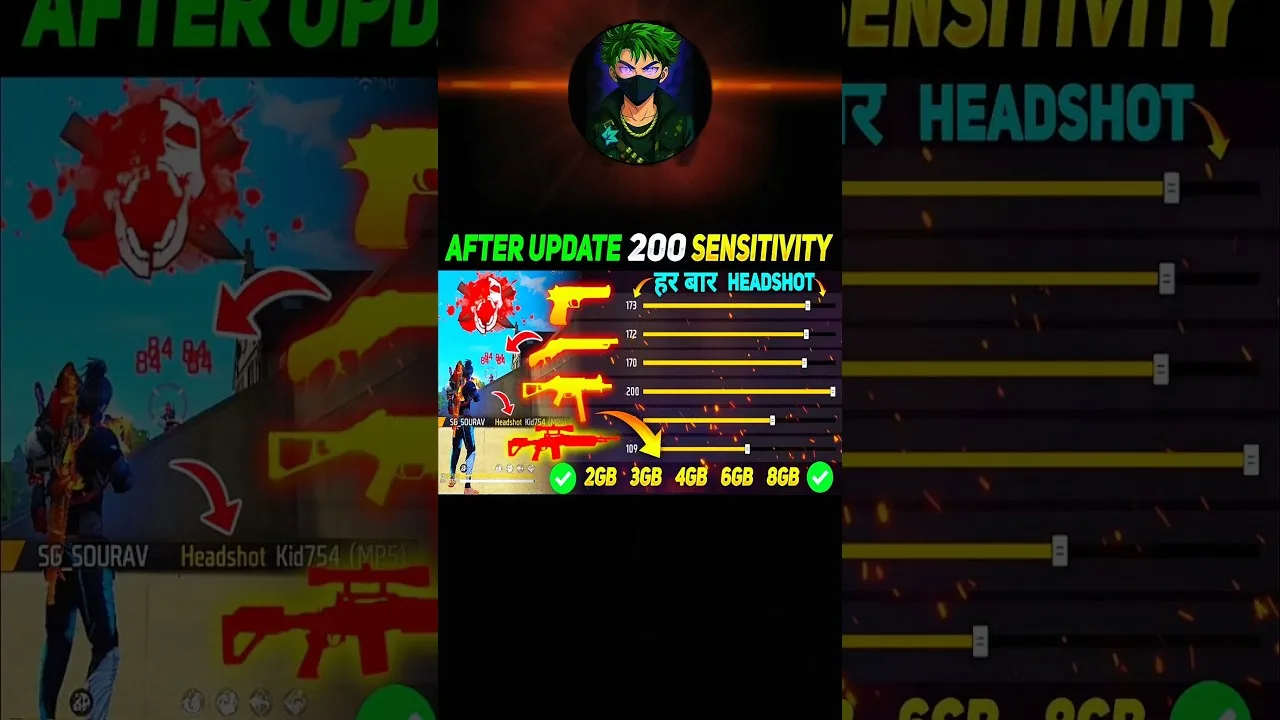
Settings screenshots travel fast, and they are tuned for someone else's phone, hands, grip, and screen size. Copied sensitivity and layouts feel wrong in ways beginners blame on themselves, and the confusion delays the simple process of tuning values personally. Borrow a rough range if you like, but always finish the tuning on your own device with your own tests.
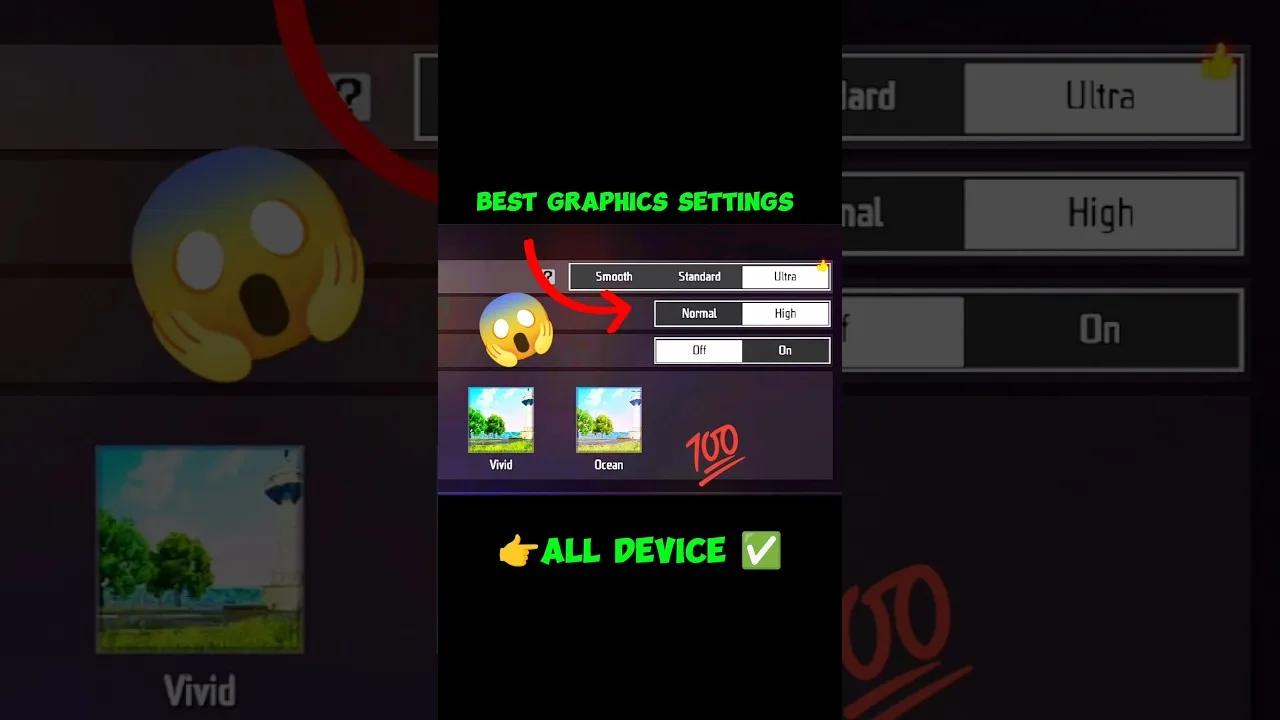
The same applies to graphics. A flagship's ultra preset copied onto a modest phone produces the classic complaint that the game is laggy and badly made, when the actual fault is a settings page that never matched the hardware. Start from the preset your phone can hold steadily and adjust upward only with proof.
Ignoring Storage and Permissions
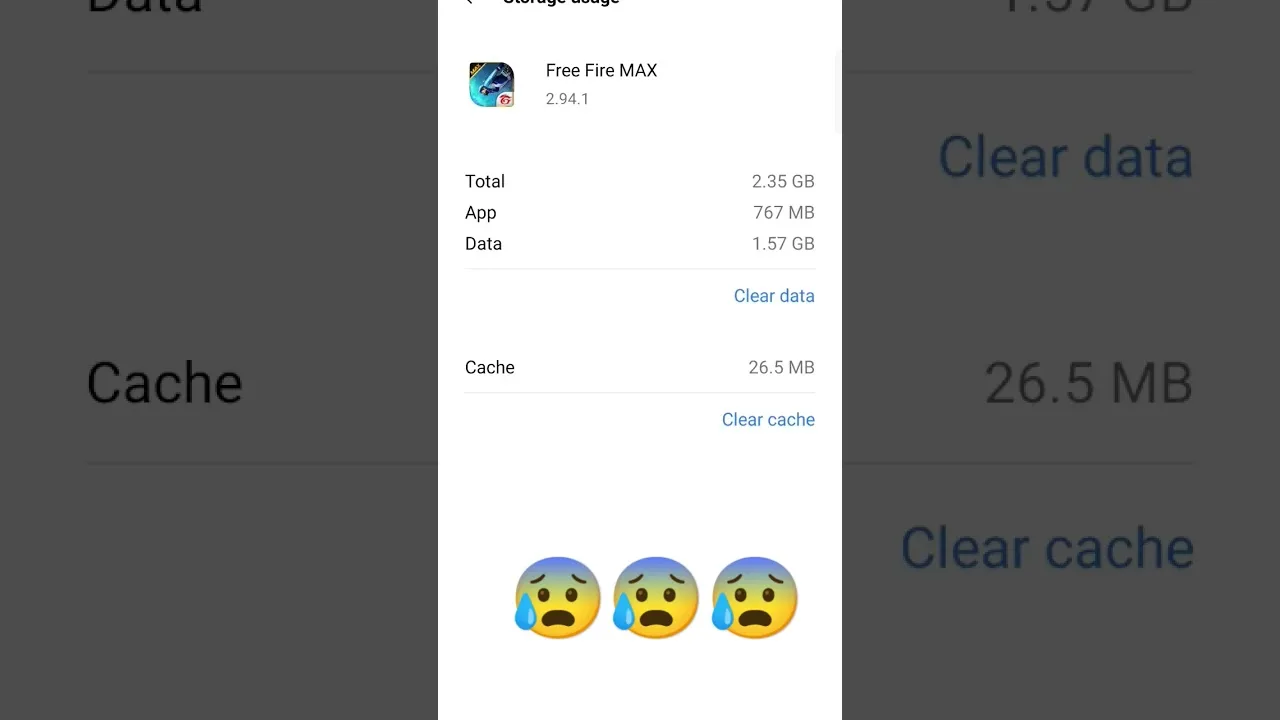
Installing onto a nearly full phone invites failed updates and odd crashes, yet storage is the check most people skip because the install itself succeeded. Keep a buffer of free space permanently, delete old installer files after use, and check the storage screen whenever behaviour turns strange. It takes under a minute and explains a surprising share of all problems.
Permissions cause the mirror-image mistake: refusing everything out of caution, then wondering why a feature fails, or granting everything without reading. Read each prompt, allow what the feature in front of you actually needs, and review permissions later in Android settings if something misbehaves. Calm, informed choices beat both blanket answers.
Skipping the Backup Habits
Screenshots of your sensitivity, layout, and graphics pages are a backup that takes thirty seconds and saves a full evening after any reset, reinstall, or phone change. Players only discover this after losing a layout they spent weeks perfecting. Keep the screenshots in one album, refresh them whenever you change settings, and the habit is complete.
Skipping updates belongs in the same family. Old builds accumulate known bugs that newer builds already fixed, and refusing updates to save a few minutes eventually costs hours in troubleshooting. Update at a calm moment, on stable Wi-Fi, with your settings screenshots current, and the process stays boring in the best way.
Changing Everything at Once
When something feels wrong, the temptation is to reset every setting and start again. The result is a player who cannot tell what helped, what hurt, and what their hands have actually learned. Change one thing per session, test it properly, and keep notes. Methodical players reach good settings in days; frantic players chase them for months.
This discipline applies to troubleshooting too. Restart, check storage, clear cache, verify the connection: in that order, one step at a time, testing after each. The full problem-solving route in FF Amazon not working common problems and fixes follows exactly this logic, and it works because each step can be credited or cleared honestly.
A Ten-Minute Setup Audit for Existing Players
Players who set the game up long ago can audit everything in this guide in about ten minutes. Open the account page and confirm the sign-in method and recovery details. Open storage and confirm a healthy free-space buffer and no pile of old installer files. Open your settings pages, screenshot them, and compare the graphics preset honestly against what your phone can sustain in a busy fight.
Finish by asking one question about habits: when something last went wrong, did you change one thing at a time or everything at once? If the answer is everything, make the notes habit your single improvement this week. Most setup mistakes are not knowledge problems; they are routine problems, and routines can be rebuilt at any point, starting with the next session.
Final Thoughts
None of these mistakes require talent to avoid, only a few minutes of care at setup time: link the account, tune your own settings, respect storage and permissions, keep tiny backups, and change one thing at a time. Audit your current setup against this list today, fix anything you recognise, and most future problems simply never happen.