Nothing ends a good session like a battery warning. FF Amazon, like any fast online game, draws heavily on the screen, processor, and network at the same time, so battery drain is the combined result of several choices rather than a single setting. The good news is that the biggest savers are easy: they cost little or nothing in how the game feels.
If your phone is not set up yet, the FF Amazon download and setup guide page covers the starting point. For players who already run out of charge mid-evening, work through these tips in order and measure the difference over a few sessions. Judge by minutes gained per match, not by the percentage number, which behaves differently on every phone.
The Screen Is the Biggest Drain
Display brightness is usually the single largest battery cost in any game session. Lower brightness to the lowest level that stays comfortably readable in your room, and turn off automatic brightness while playing indoors, since the sensor may keep the screen brighter than you need. Indoors, most players can play happily well below half brightness.
Screen timeout and always-on features matter at the edges of sessions too. Let the display sleep promptly between matches instead of idling on bright menus while you talk. Small savings repeated across every lobby and loading screen add up to a meaningful extra match by the end of a long evening.
Graphics Choices That Save Power
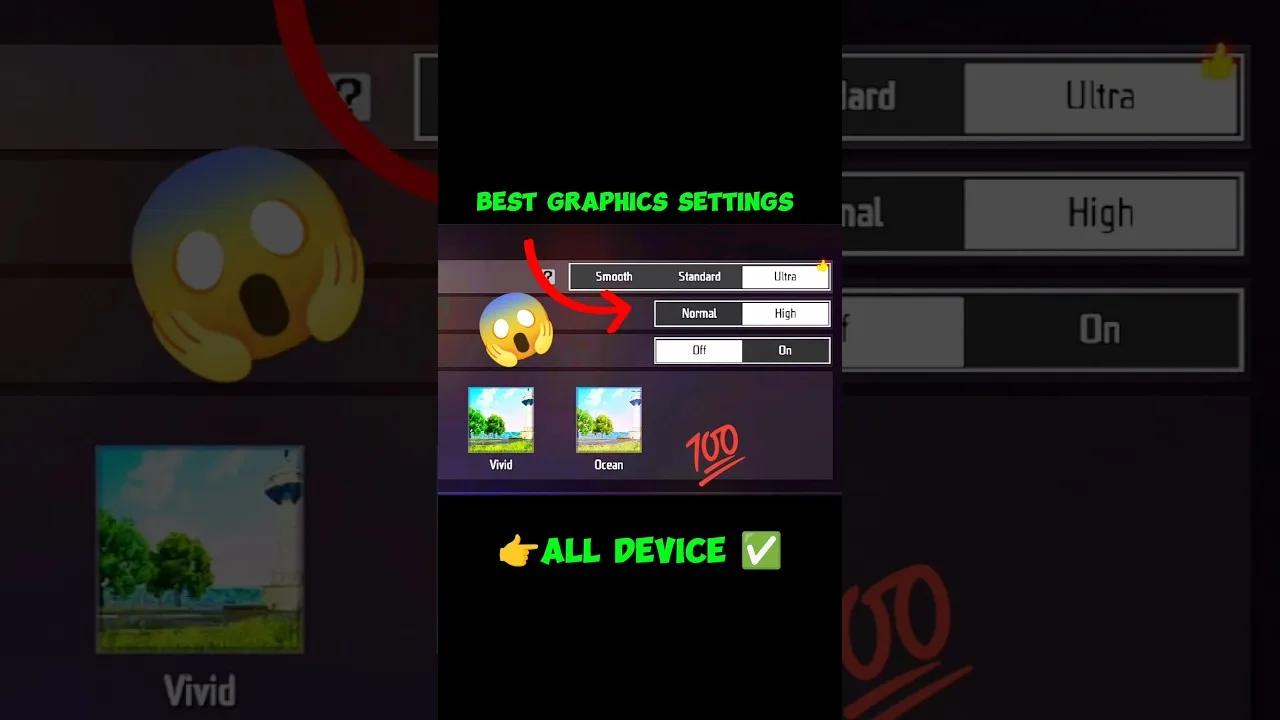
Every frame the phone draws costs energy, so graphics settings are battery settings. The smoothest preset, restrained effects, and a sensible frame rate target all reduce the work the processor repeats sixty times a second. The explanations in FF Amazon graphics settings explained show which options cost the most, and most of that cost is paid in battery as well as heat.
You do not need the lowest of everything. Dropping one level from your usual preset, or capping frame rate at a level your phone holds effortlessly, often buys a large saving for a small visual change. Experiment during casual sessions and keep the combination that still feels responsive.
Close the Background, Calm the Network
Apps syncing, uploading, and refreshing behind the game all spend your battery on work you cannot see. Before a long session, close heavy recent apps, pause cloud backups and large downloads, and let the phone give its energy to the game alone. The same habit helps performance, as FF Amazon performance tips for low-end phones explains from the frame-rate side.
Network conditions change battery use more than most players realise. A phone straining against a weak signal raises its radio power and keeps working harder to hold the connection. Playing within good range of the router, or on a strong mobile signal, is a battery tip as much as a lag tip. Airplane-mode tricks do not apply to an online game, but choosing strong-signal spots does.
Charge Smart Around Sessions
Playing while charging is sometimes unavoidable, but it combines the heat of gaming with the heat of charging, and heat ages batteries faster than almost anything. When you can, charge before the session and play unplugged, or take a short charging break between matches with the game closed. Your future battery capacity will thank you quietly for years.
If you use a power bank, the same logic applies: top up between matches rather than playing tethered for hours. Also avoid leaving the phone on a hot surface or in sunlight while it charges and plays. A cool battery is an efficient battery, and efficiency is the whole goal of this guide.
Build a Session Battery Routine
Before long sessions: charge to a comfortable level, set brightness manually, apply your battery-friendly graphics combination, close background apps, and settle in a strong-signal spot. That two-minute routine is the difference between watching the battery bar and forgetting it exists.
Track the result once. Note the starting percentage and the time, play your normal session, and compare with your old routine's drain. Most players gain a clearly visible improvement, often enough for one or two extra matches, from changes that took less effort than a single settings experiment.
Battery Health Habits Beyond Game Settings
Long-term battery health decides how long sessions remain possible as the phone ages. Avoid letting the battery run completely flat regularly, avoid leaving it at full charge in a hot place for days, and be suspicious of very cheap chargers that make the phone unusually warm. These habits sound unrelated to gaming, but they decide whether a two-year-old phone still holds a charge through an evening of matches.
If your phone offers a battery health or charge-limit feature, using it during desk-heavy weeks slows wear further. None of this requires obsession; batteries are consumables and will age regardless. The goal is simply to avoid the handful of habits that age them several times faster than normal use, so the phone stays a good gaming device for its whole life.
Final Thoughts
Battery life in a game session is decided by brightness, graphics load, background activity, signal strength, and heat. Control those five and sessions stretch noticeably without buying anything. Make the routine automatic before long evenings, and the low-battery warning becomes a rare guest instead of a regular ending.
Finally, remember that the battery percentage is information, not an opponent. Glancing at it constantly creates pressure that ruins sessions earlier than the battery itself would. Set the phone up well, check the level between matches rather than during them, and let a low-battery warning be a calm signal to finish the current game rather than a sudden emergency discovered mid-fight.