A modest phone does not have to mean a miserable match. FF Amazon can run acceptably on low-end hardware when the settings, the storage, and the system around the game are all pulling in the same direction. The trick is knowing which changes actually help and which popular advice simply wastes time or makes the picture worse without gaining frames.
Everything here assumes the app is installed and opening normally; the FF Amazon APK latest build for Android page covers the starting point if you are still setting up. Work through the tips in order, testing one match after each change. On a low-end device, three or four small improvements stacked together often matter more than any single dramatic tweak.
Lower the Right Graphics Options First
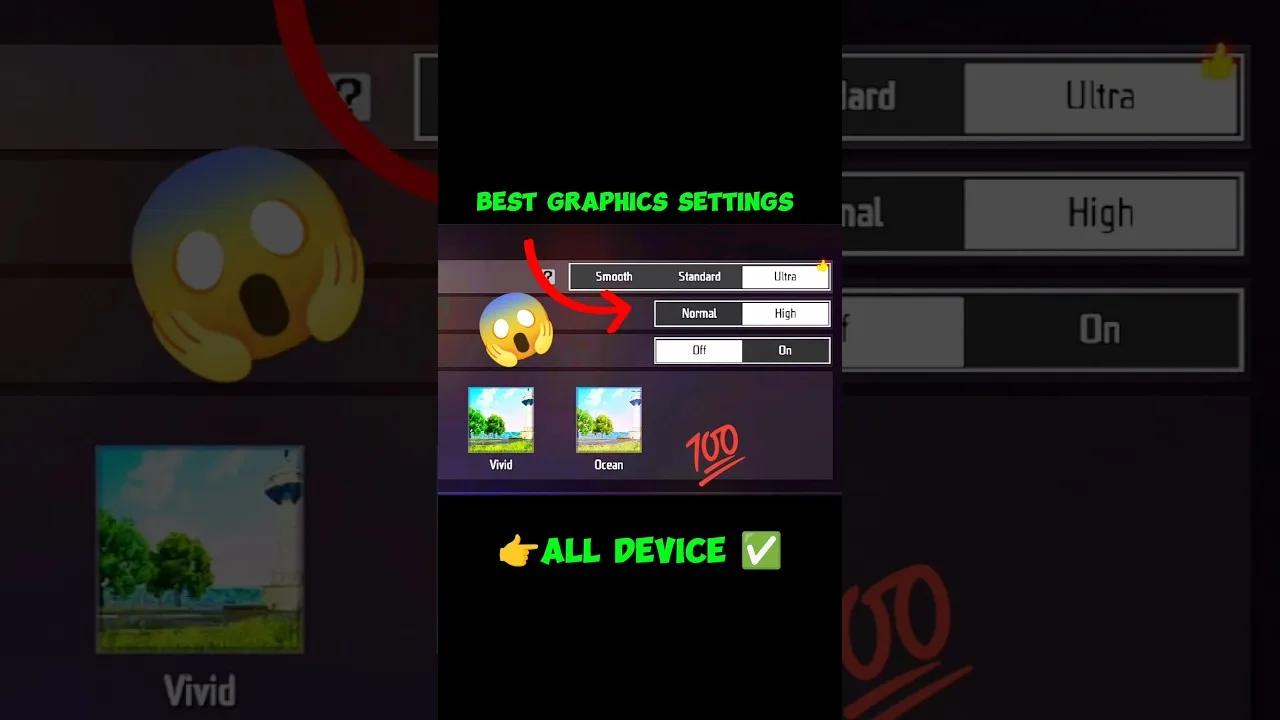
Resolution and visual effects cost the most performance, so they are the first place to look. Choose the smoothest graphics preset available, keep frame rate as the priority, and turn off decorative extras such as shadows or high-resolution textures if the game exposes them. The full breakdown in FF Amazon graphics settings explained explains what each option trades away and what it gives back.
Do not judge a graphics change in the lobby. Menus are easy for any phone; the real test is a busy fight with several players, effects, and movement on screen at once. If frame drops still appear at the lowest sensible settings, the bottleneck is likely heat, storage speed, or background load rather than one more graphics toggle.
Free the System Around the Game
Low-end phones often struggle because the game shares limited memory with everything else. Close recent apps before playing, pause large downloads, and turn off automatic updates during sessions. Some phones include a game mode that limits background activity; if yours does, add the game to it and let the system help you.
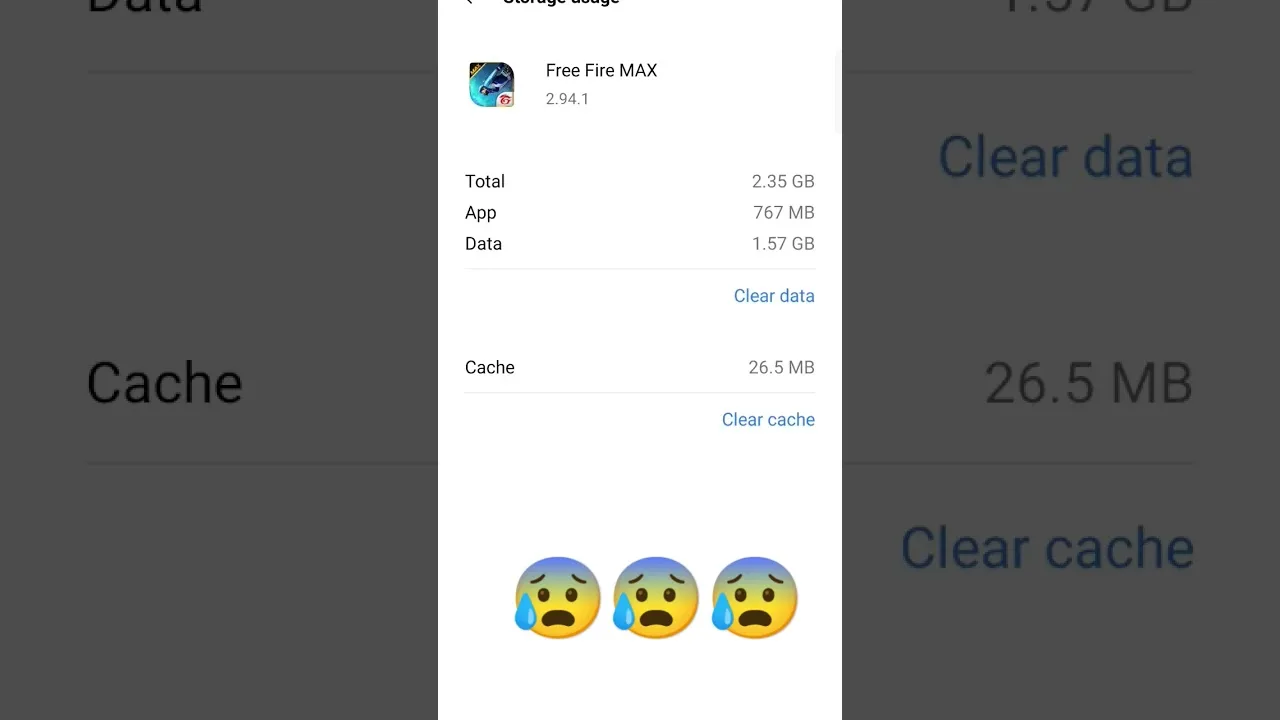
Storage speed matters too. A phone filled to the last megabyte runs slower everywhere, because the system has no room to breathe. Keep a comfortable margin free, move photos or videos to other storage if you can, and uninstall apps you no longer open. These boring steps produce some of the most reliable gains on older hardware.
Manage Heat During Sessions
Heat is the hidden enemy of budget phones. As the device warms up, the processor slows itself down to stay safe, and frame rates sag even though nothing in the settings changed. Remove a thick case while playing, keep the phone out of direct sunlight, and avoid charging during matches if the device gets noticeably warm, since charging adds its own heat.
Short breaks between long sessions genuinely help. Five minutes with the screen off lets temperatures fall and performance recover for the next match. If the phone becomes hot very quickly even in menus, that points to a deeper issue such as a failing battery or a software problem, and it deserves attention beyond game settings.
Network Smoothness Is Part of Performance
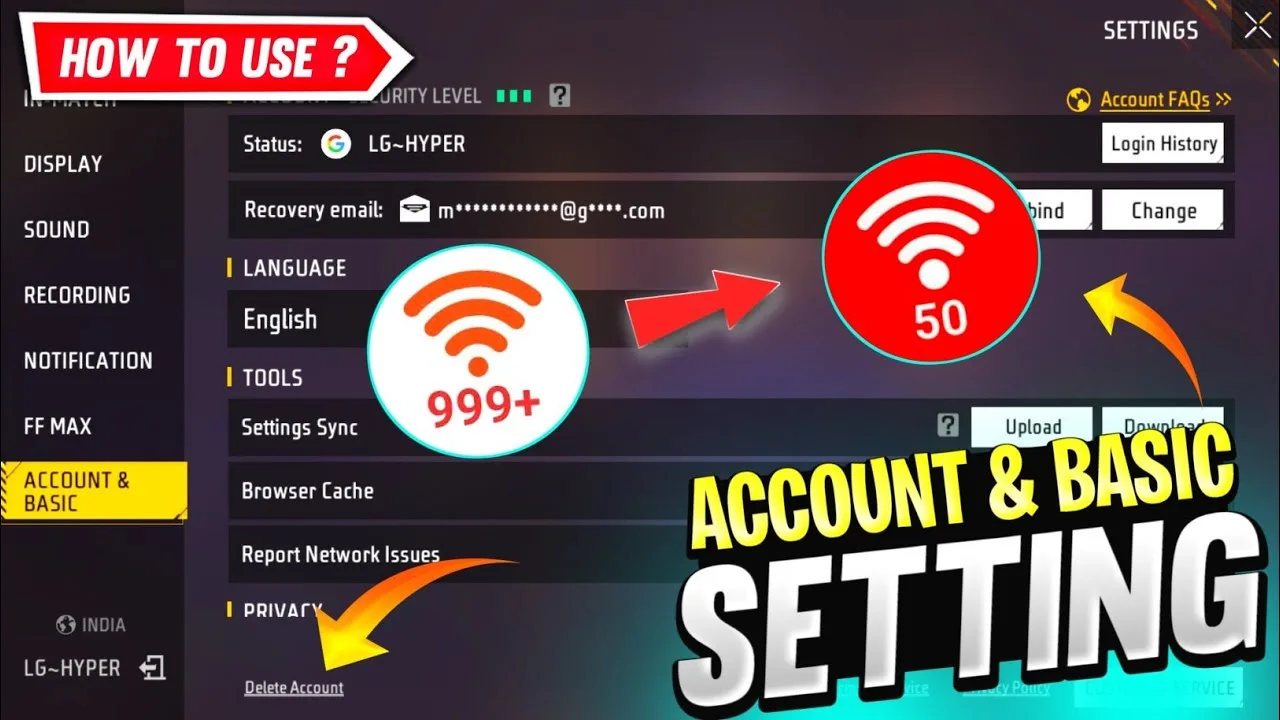
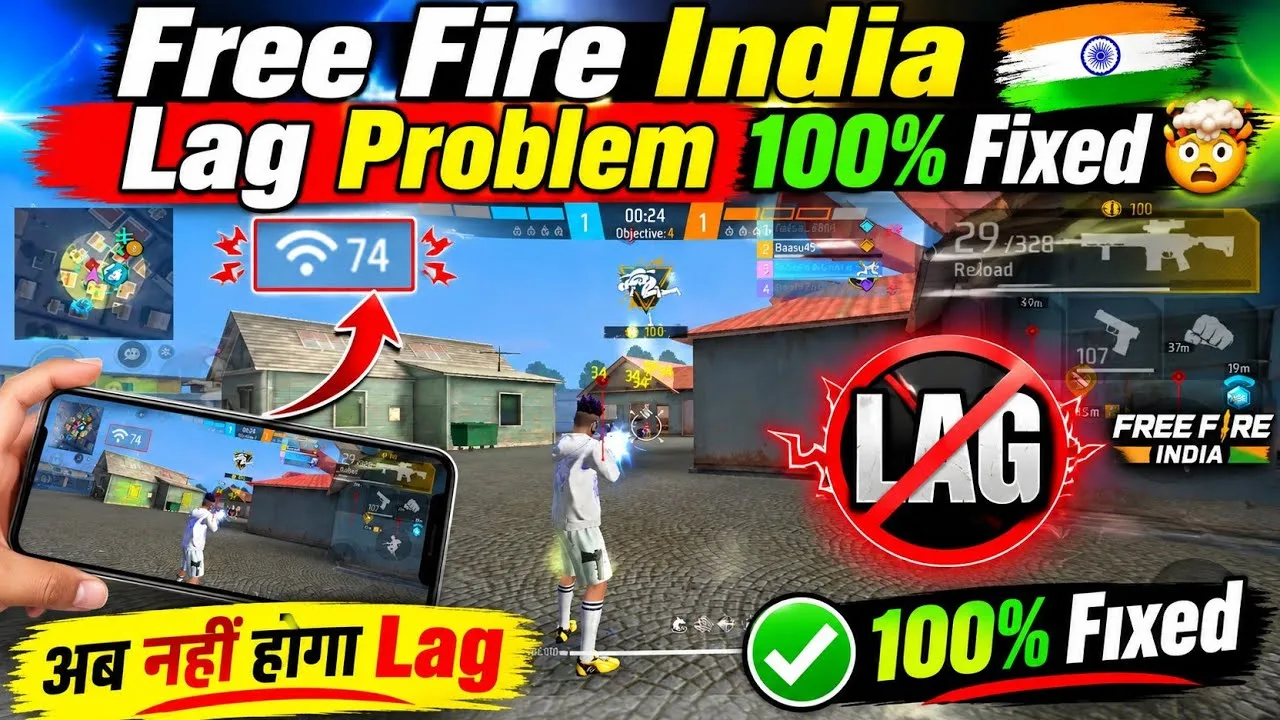
Not every stutter is a graphics problem. A weak or crowded connection creates delays that feel like low frame rates, and the fix is different. Play closer to the router when you can, prefer a stable network over a theoretically faster one, and avoid playing while others stream video on the same connection. The dedicated walkthrough on how to fix lag in FF Amazon on Android separates connection problems from device problems step by step.
A quick way to tell the difference: if training mode runs smoothly but online matches stutter, suspect the network. If even offline menus and practice feel choppy, suspect the device. Testing both ways stops you from lowering graphics endlessly to solve a problem that lives in your Wi-Fi.
Realistic Expectations and Smart Habits
There is a floor below which no setting can push a phone. If a device barely meets the game's needs, aim for stable and readable rather than beautiful: a steady lower frame rate feels better than a higher one that collapses in every fight. Consistency is what your hands and eyes actually adapt to during play.
Small habits protect the gains you make. Restart the phone every few days to clear accumulated background state, keep the game updated so performance fixes reach you, and charge the battery before long sessions instead of during them. Each habit is minor alone, but together they keep an older phone performing at its honest best.
Settings to Revisit After Every Update
Updates occasionally reset or reinterpret graphics options, so after each new build, spend two minutes confirming your preset, frame rate choice, and effects are still where you left them. A phone that suddenly runs worse after an update is often just a phone whose settings quietly returned to defaults. Checking first saves a long and pointless hunt through storage and background apps.
Android system updates deserve the same attention. A new system version can change how game modes, battery savers, and background limits behave. If performance shifts right after a system update, revisit the game mode list and any battery exceptions you had set for the game, because the system may have rebuilt those lists during its own upgrade.
Final Thoughts
Helping a low-end phone is a stacking game: graphics first, background load second, heat third, and network always. Change one thing, test honestly in a real fight, and keep what works. Most players find a noticeably smoother experience within a single evening of methodical adjustments, without spending anything at all.