The first week in a new game decides whether it becomes a hobby or an uninstall. FF Amazon throws menus, modes, currencies, and settings at new players all at once, and most beginners respond by ignoring all of it and jumping into match after match. A calmer start, an hour of setup and practice before chasing results, pays back for months.
This guide gives that first week a shape: sort the account, set the controls, learn in training, then play matches with realistic goals. If the app is not on your phone yet, the FF Amazon APK for mobile page is where the journey starts. Everything after installation is covered here in the order a new player actually meets it.
First Hour: Account and Settings
Sign in with a proper linked method before anything else, not as a guest you will regret later. FF Amazon account setup and login guide explains the choices in full. A linked account means your first week's progress, however humble, is safe when the phone updates, fills up, or gets replaced.
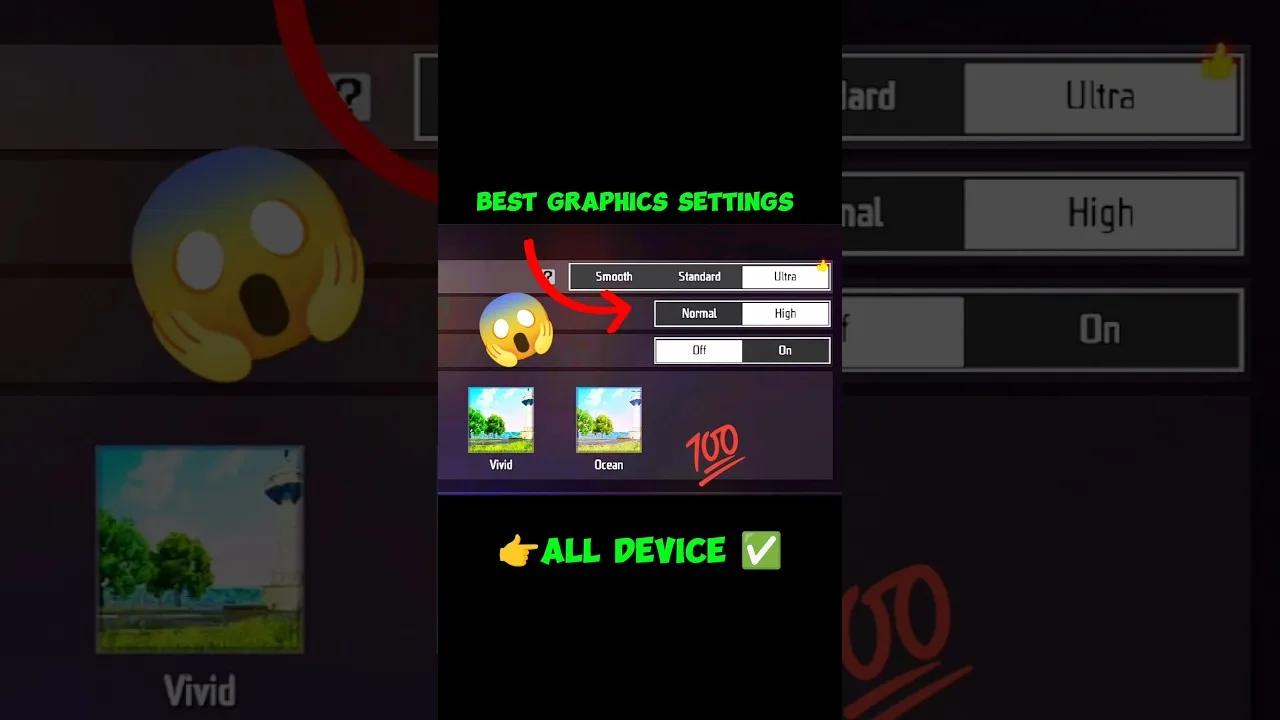
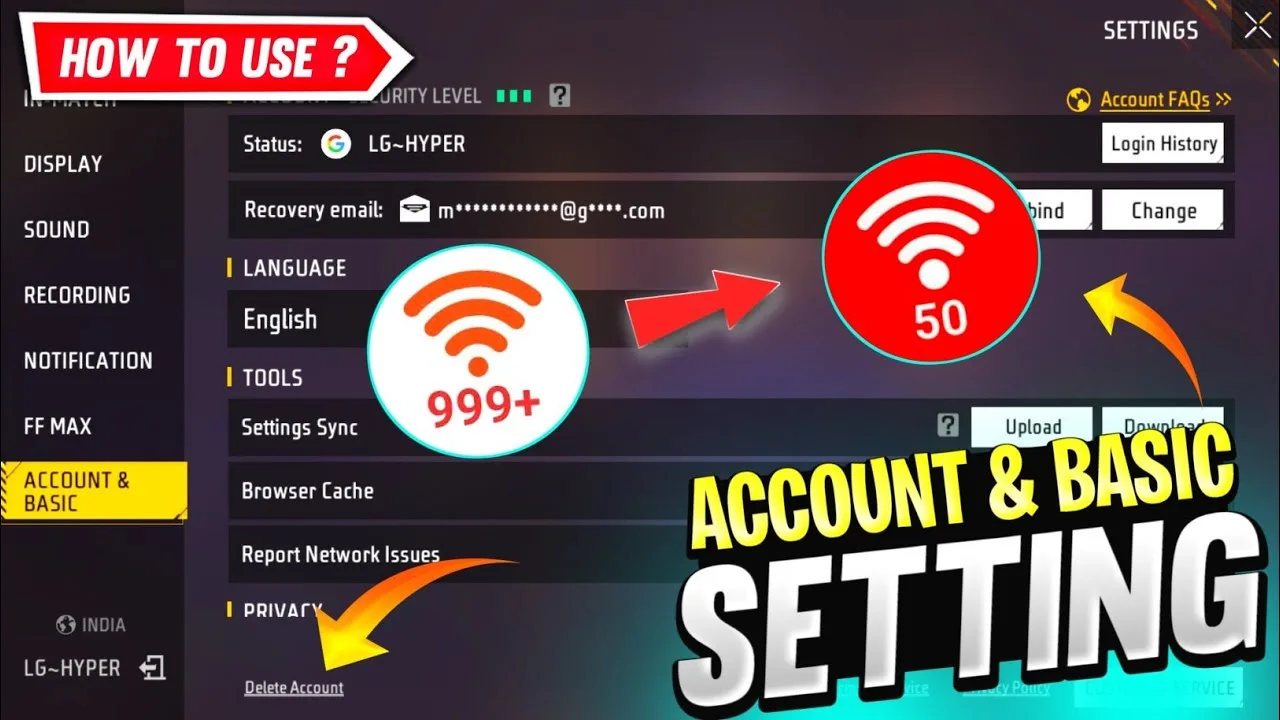
Then spend fifteen minutes in settings before your first match. Set sensitivity to a comfortable middle range, enlarge the main combat buttons slightly, and choose the smooth graphics preset if your phone is not powerful. You will refine all of these later; the point is to start from something deliberate instead of whatever the defaults happened to be.
Learn the Shape of a Match
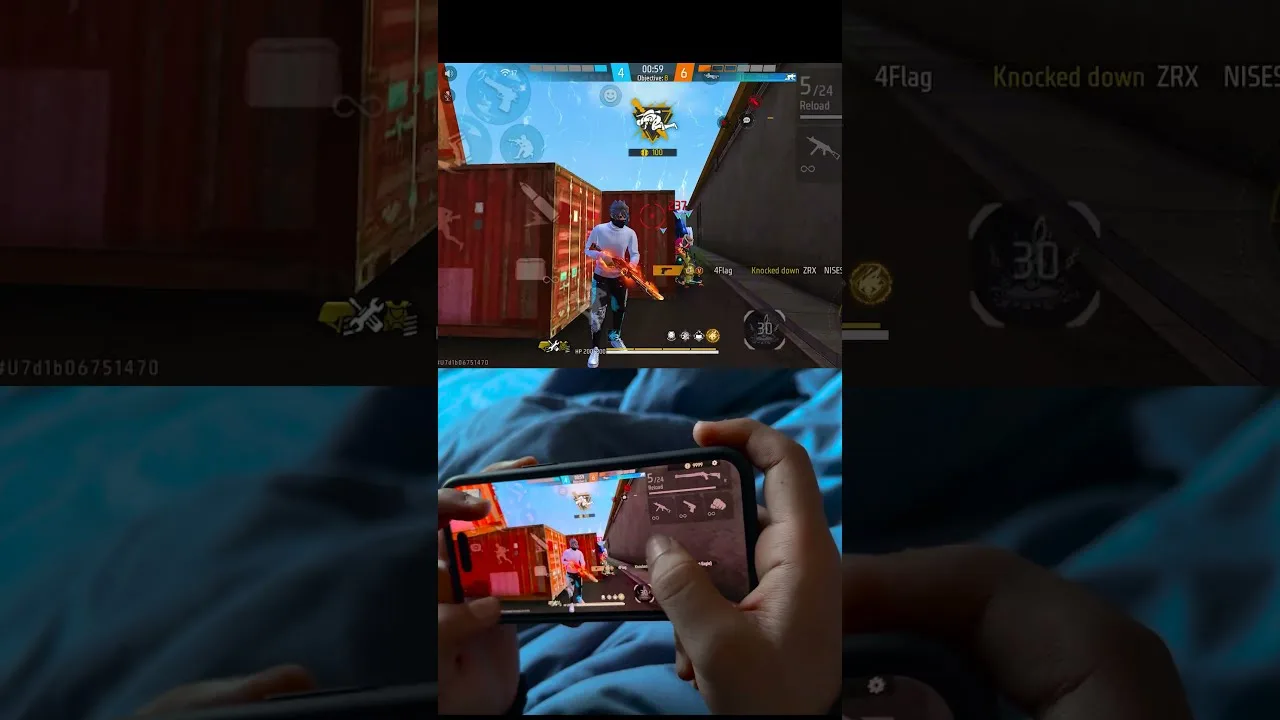
A match follows a rhythm: choose where to land, gather equipment quickly, move with the shrinking safe zone, and take fights on ground you choose rather than ground you are pushed into. Beginners die most often to the zone and to standing in the open, not to incredible enemy aim. Watching the zone timer is the first survival skill.
Loot with priorities: a weapon you understand, protection, healing, then extras. Do not stop moving to study every item in the first buildings; speed early on is safety. The overview in FF Amazon features guide helps you recognise what each part of the game offers, so your first matches feel structured rather than random.
Use Training Before Ranked Ambitions
Training mode exists so your first hundred mistakes cost nothing. Spend short sessions there between matches: practise moving while aiming, learn how your chosen weapons behave, and get used to your button layout until your fingers stop searching. Ten minutes of drills before a session visibly warms up your hands.
Resist ranked modes until the basics feel automatic. Early ranked matches place you under pressure while you are still learning where the buttons are, which teaches panic rather than skill. Casual matches and training build the same fundamentals faster and with far less frustration for everyone involved.
Your First Week Goals
Set process goals instead of result goals: survive to the mid-game, land in three different areas to learn the map, win one close-range and one mid-range fight, and finish every session having learned one specific thing. Wins will arrive as a side effect of these repetitions, and chasing wins directly in week one mostly produces tilted evenings.
Play with friends or a regular squad when you can, even if they are also new. Learning together, sharing discoveries, and laughing at early mistakes keeps beginners playing long enough to become good. Solo grinding is the loneliest and slowest route through the first month.
Mistakes Every Beginner Makes
Copying a top player's full settings on day one leads the list, followed by changing settings after every defeat, standing still while looting, ignoring the zone until it is already moving, and spending in-game currency on the first shiny item seen instead of learning what things are worth. Every experienced player has done all five.
The cure for all of them is the same: slow down, change one thing at a time, and review each match with one honest question, what actually ended my game? Answering that question match after match is a complete beginner education, and it costs nothing but attention.
Understanding Modes Without the Overwhelm
The mode list can look crowded to a new player, but it groups into a few simple ideas: the classic large-map mode where you learn the full game, faster smaller modes for quick practice against real players, and training spaces where nothing is ranked and nothing is lost. Spend your first week mostly in the classic mode at a relaxed pace, with short modes as warm-ups.
Ignore limited-time and special modes until the basics settle. They are designed for players who already understand the core loop, and their special rules can teach habits that do not transfer. Once movement, looting, and zone awareness feel natural, special modes become a fun variation instead of a confusing first impression of what the game is.
Final Thoughts
Getting started well is unglamorous: link the account, set the controls, drill a little, learn the zone, and judge the first week by lessons rather than wins. Do that and FF Amazon opens up quickly. The players who enjoy month two are the ones who built foundations in week one instead of borrowing someone else's.
Keep one more promise to yourself during the first week: do not judge your potential by your first results. Every strong player you meet was once the beginner who landed in the wrong place, looted too slowly, and lost fights they now win easily. The only difference between them and a quitter is that they treated those matches as lessons, kept the habits in this guide, and gave the game an honest month.