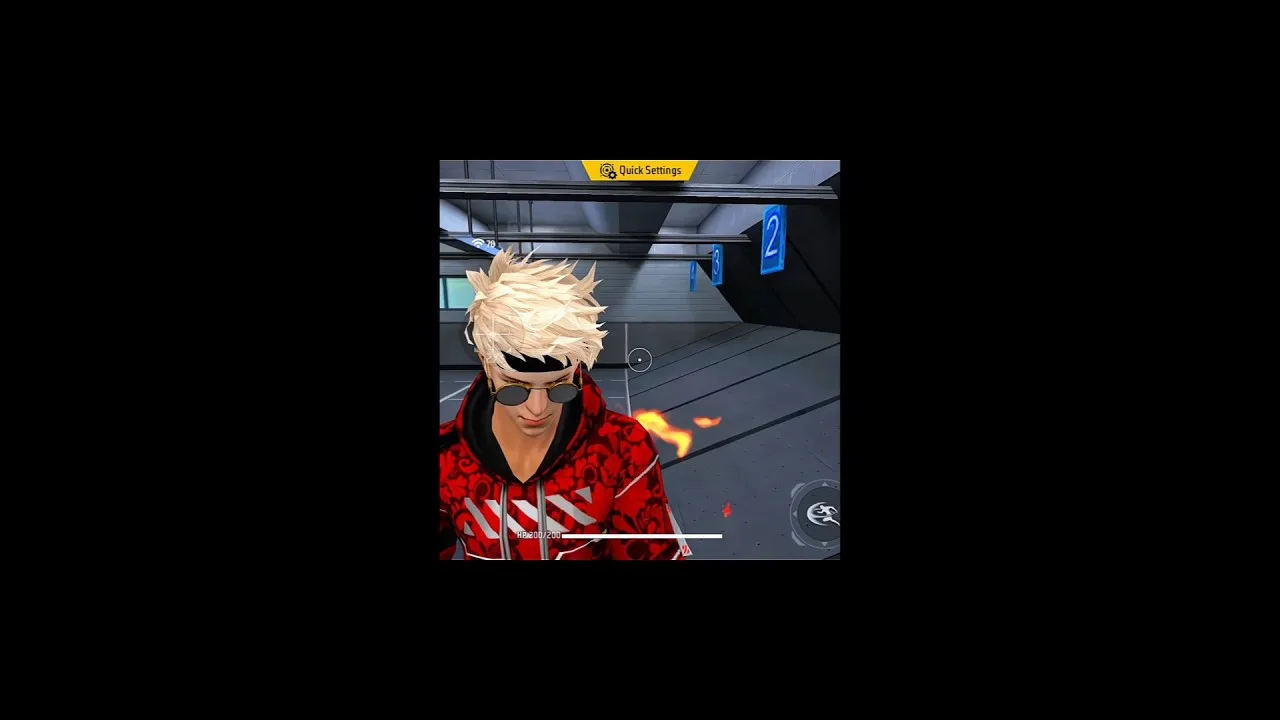
Training mode is the most underused feature in the game. Most players open it to test a new weapon for thirty seconds, then return to matches and keep practising their mistakes under pressure. Used properly, short structured sessions in training mode build aim, movement, and confidence faster than the same time spent in chaotic live games, because every repetition is under your control.
You need the app installed and your basic controls comfortable first; the FF Amazon APK free download for Android overview covers getting started. Bring a simple plan to each practice session: one skill to work on, a few drills for it, and a clear stopping point. Twenty focused minutes beat two vague hours, and the structure below shows how to run them.
Set Up a Useful Practice Session
Begin by choosing the weapons you actually use in matches, not exotic options you will never pick up. Set targets at realistic distances and practise from the positions you fight from: standing, crouching, and moving. If the area offers moving targets or timed challenges, save those for the second half of the session once your hands are warm.
Warm up for three or four minutes with easy repetitions: slow tracking, simple turns, and short bursts at stationary targets. Warm-up is not wasted time. Cold hands produce misleading results, and settings or techniques judged with cold hands often get wrongly blamed or wrongly praised. Treat the warm-up as part of the session, every session.
Aim and Tracking Drills
For tracking, follow a moving target smoothly without firing, keeping the crosshair on it as long as possible, then repeat while firing in controlled bursts. For flicking, snap between two targets at a comfortable distance, prioritising a clean stop on each target over raw speed. Speed arrives on its own once the stops are clean; chasing speed first builds sloppy habits.
Practise at several ranges in the same session. Close-range aim rewards fast, large movements, while long-range aim rewards small, calm corrections. Players who only drill one distance develop a visible weakness at the other. Ten repetitions per range, done slowly and correctly, teach more than fifty rushed ones done carelessly.
Movement and Recoil Practice
Movement keeps you alive while you shoot, so drill it deliberately: strafe while tracking a target, practise jumping into a crouch, and rehearse peeking from behind cover and returning. Combine movement with firing only after each part works alone. In real fights these combinations decide close encounters, and training mode is the only place to repeat them without consequence.
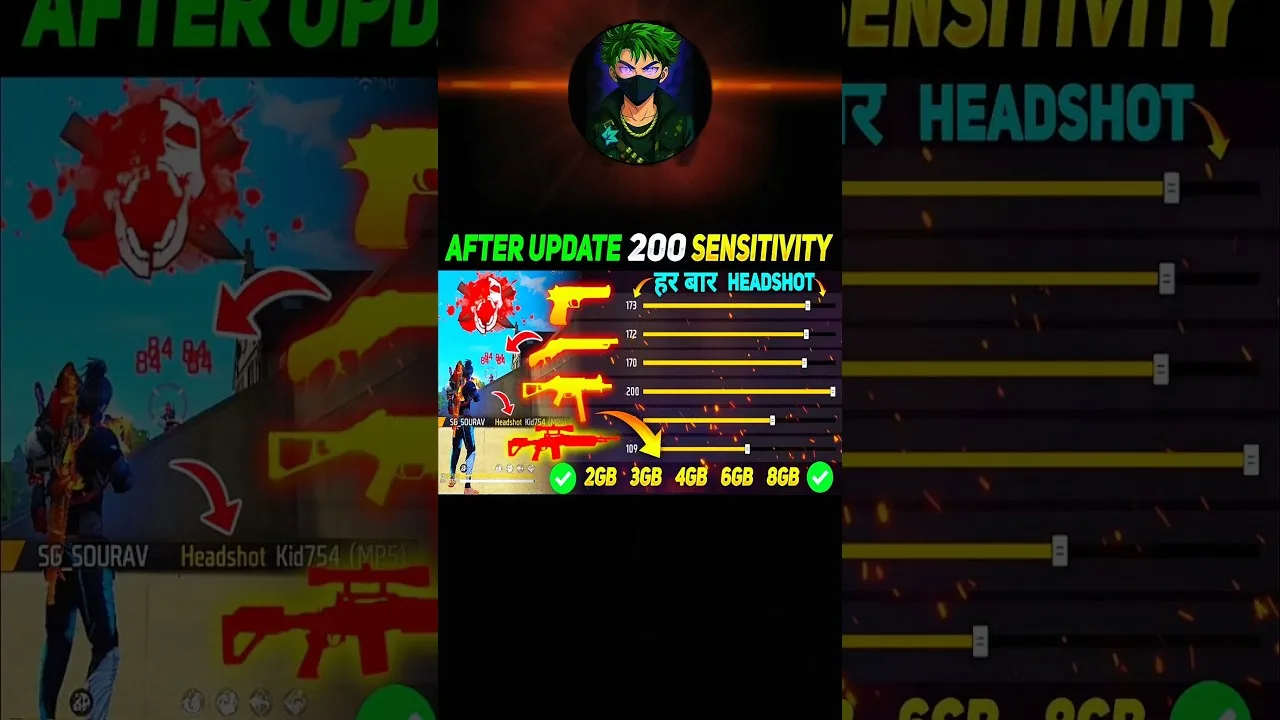
Recoil control improves with short, honest drills. Fire at a wall from a fixed distance and watch the pattern your shots make, then repeat while pulling down gently to keep the pattern tight. Do this for each automatic weapon you favour. If your settings feel wrong during these drills, adjust them using FF Amazon sensitivity settings guide and retest the same drill immediately.
Test Settings and Weapons Here
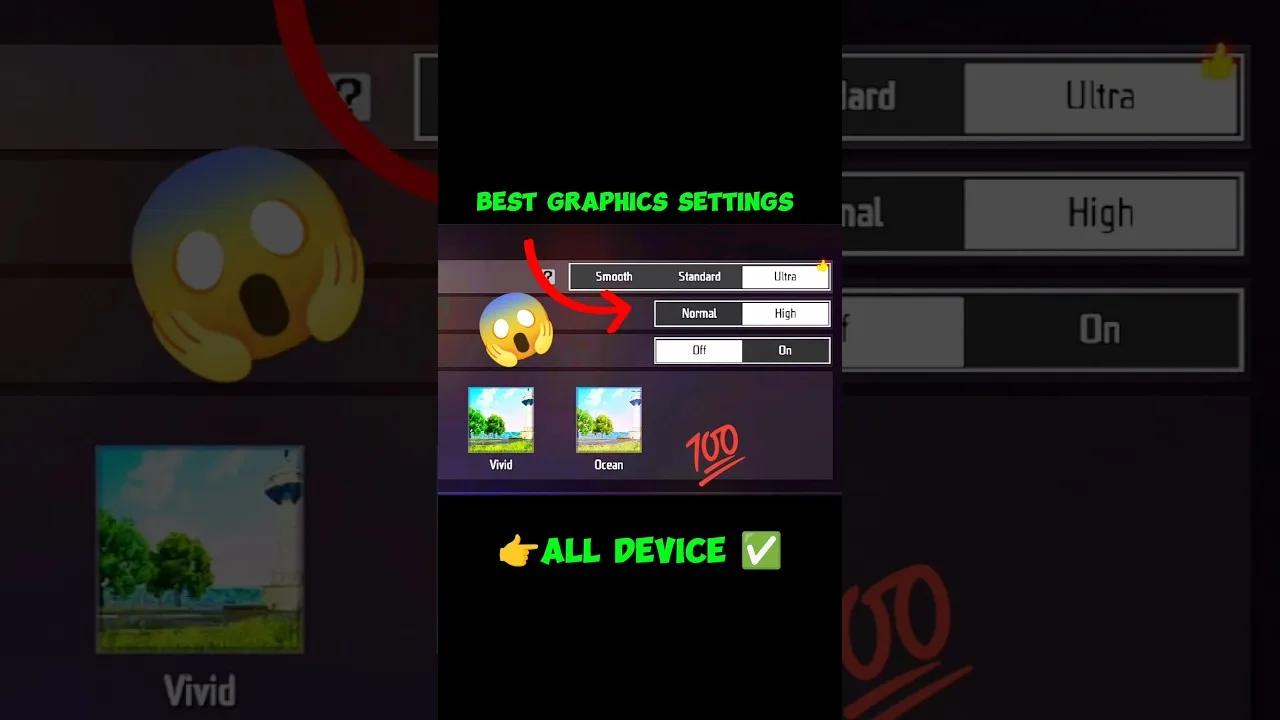
Training mode is the laboratory for every change you make elsewhere: sensitivity tweaks, layout moves, graphics choices, and new weapons. Test one change at a time against the same drill and compare results honestly. A drill you have repeated for weeks becomes a measuring instrument, because your past performance on it is the baseline.
Try new weapons here before trusting them in matches. Learn their effective range, their damage rhythm, and how they behave while moving. Ten minutes of curiosity in training prevents the classic mistake of picking up an unfamiliar weapon in a late-game fight and discovering its limits at the worst possible moment.
Turn Practice Into Match Results
End each session by choosing one thing to carry into your next matches, such as calmer long-range corrections or a new peeking habit, and judge the session by that goal rather than by wins. Skills transfer one at a time. Players who practise with a single clear focus improve visibly within a couple of weeks of short regular sessions.
Once individual skills feel steadier, the teamwork layer matters more, and FF Amazon squad play tips for beginners covers how to apply your abilities alongside others. Keep practice sessions in your routine even as you improve; strong players use training mode to maintain sharpness, not only to build it.
A Weekly Practice Schedule That Fits Real Life
Consistency beats volume, so build a schedule you can actually keep: fifteen minutes before sessions on three days a week is enough for steady progress. Give each day a theme, such as tracking on Monday, movement on Wednesday, and recoil plus new weapons on Friday. Themed days stop practice from becoming a random wander and make progress easy to notice week by week.
Keep a tiny log with one line per session: the theme, one thing that improved, and one thing to fix next time. Reviewing a month of those lines is genuinely encouraging, because improvement that feels invisible day to day becomes obvious on paper. The log also stops you from repeating drills you have already mastered while neglecting the weak skill hiding at the bottom of the list.
Final Thoughts
Training mode rewards structure: warm up, drill one skill at several ranges, test changes against familiar exercises, and leave with one goal for real matches. Short, regular, focused sessions compound quickly. The players who improve fastest are rarely the ones who play the most matches; they are the ones who practise with a plan.